
Industry
Digital notice boards & signage for Colleges & Universities
Campuses run on notices. Examination schedules, timetable changes, admissions information and placement notifications reach students faster when screens are managed centrally.
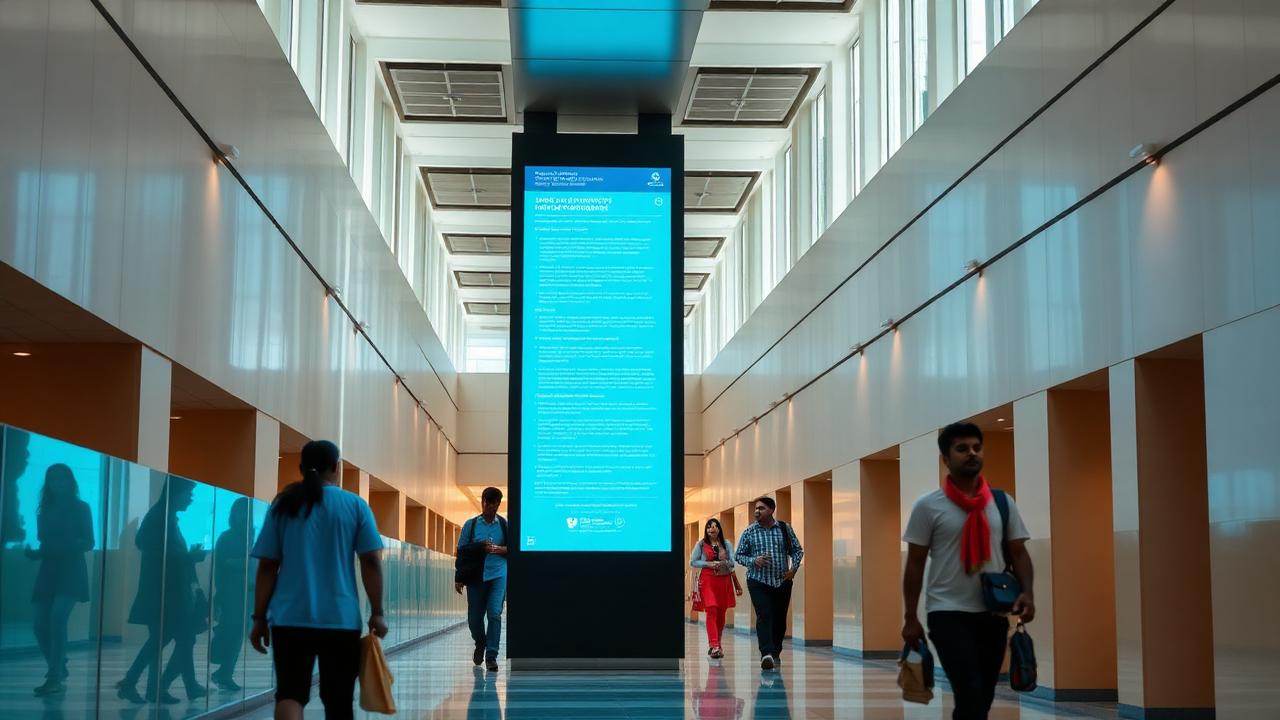
What it looks like on site
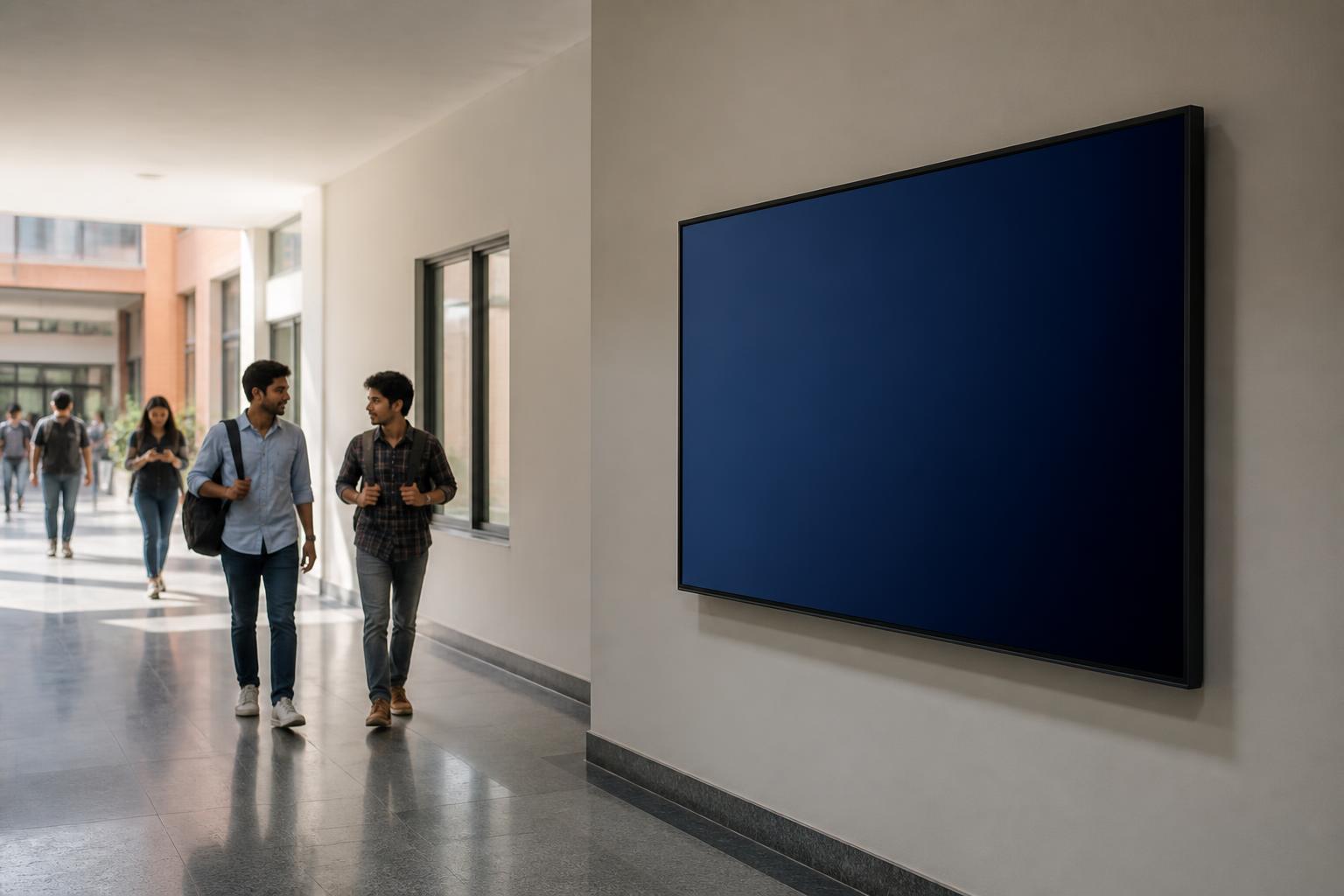
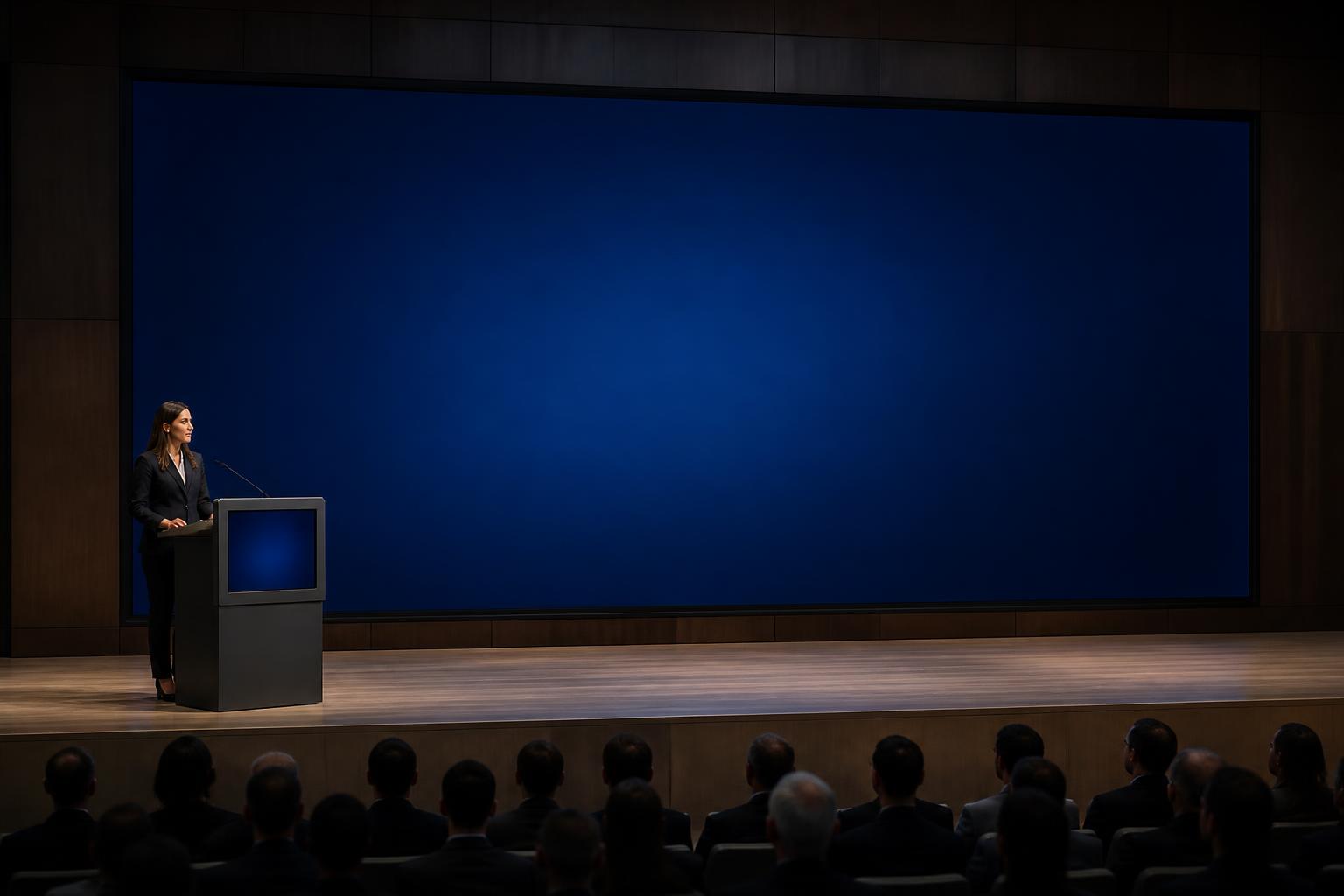
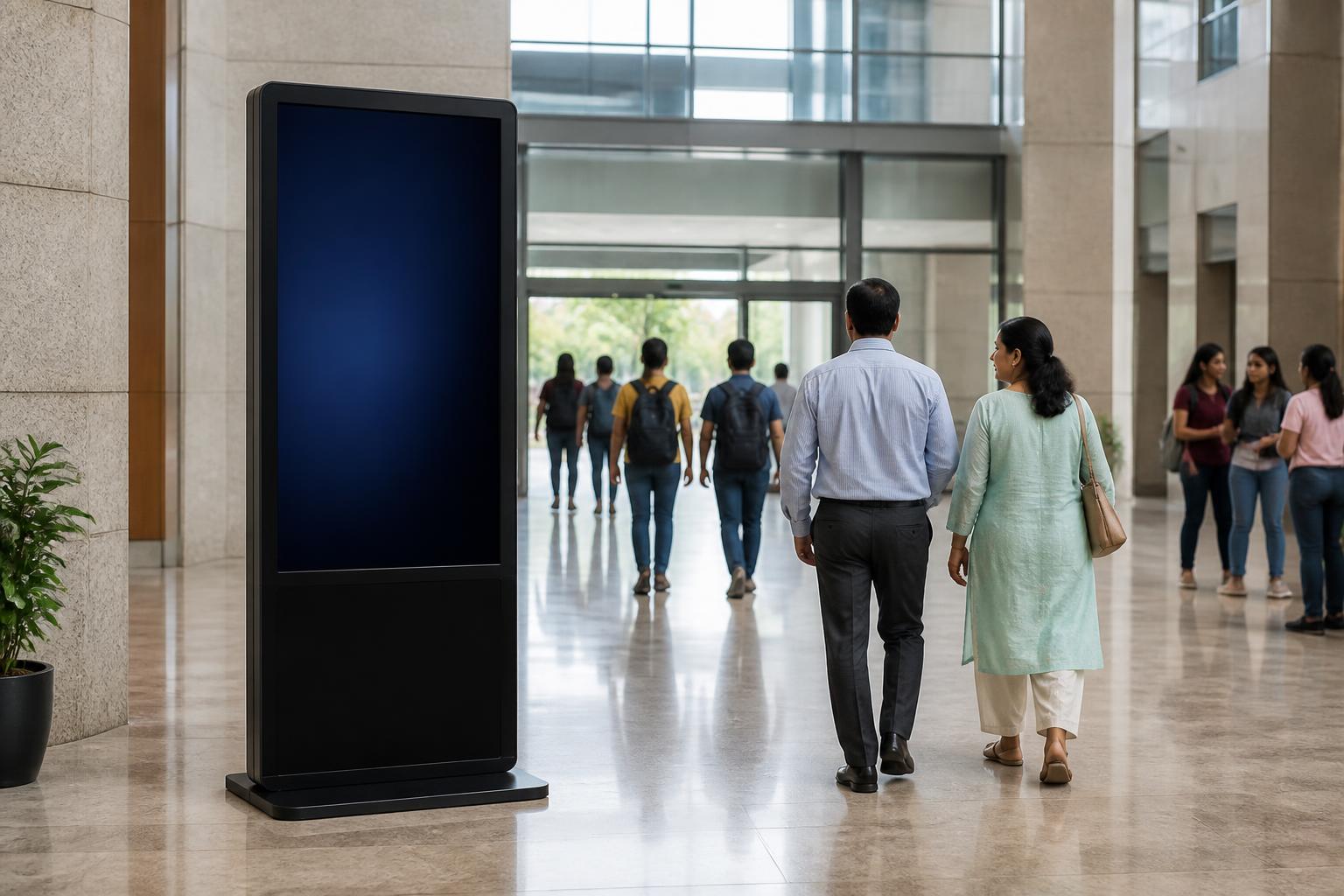
Typical display placements in colleges & universities
Concept visualizations of where centrally managed displays and interactive help points are typically positioned. Screen layouts are configured per organization.

Colleges & Universities
Live
Notices
Approved notices and circulars
Schedule
Daily schedule and timings
Live data
Live values from connected sources
Information
Visitor and process information
On-screen
One console, every authorized screen
Content is prepared, approved and published centrally, then scheduled to individual screens, groups or entire locations.
How it works
Prepare
Notices, schedules and media created from templates.
Approve
Role-based approval before anything reaches a screen.
Publish
Target one screen, a group or all locations.
Monitor
Screen status and playback visibility from one place.
Central iDisplay CMS
Content, users, schedules, approvals and screen status in one console.
Government Office
Lobby notice board
University
Corridor displays
PSU Plant
Shop-floor screen
Research Institute
Department display
Public Service Centre
Counter & token display
Remote Branch
Reception standee
Use cases
What organizations display
- Examination notices and results information
- Admissions information
- Timetable changes
- Events and seminars
- Placement notifications
- Departmental communication
- Student achievements
- Emergency alerts
Relevant solutions
Software typically deployed here
Digital Notice Board Software
Built for organizations where notices must be accurate, authorized and visible at the right locations — not for advertising loops.
Explore Digital Notice Board SoftwareCentralized Digital Signage CMS
Central administration is the core of the system. Screens, locations and users are managed as one estate.
Explore Centralized Digital Signage CMSMulti-Location Screen Management
Central policy, local relevance: common organizational content plus location-specific information.
Explore Multi-Location Screen Management