
Hardware options
Software at the core. Hardware selected for the requirement.
iDisplay is designed to work as part of flexible digital-display architectures. Appropriate display hardware can be selected according to screen size, environment, connectivity, interactivity, technical specification, project budget and procurement requirements.
Your requirement determines the hardware — not the other way around.
Categories
Suitable display types
From compatible commercial displays to interactive panels, kiosks and LED systems, we can configure the display infrastructure around the project requirement.
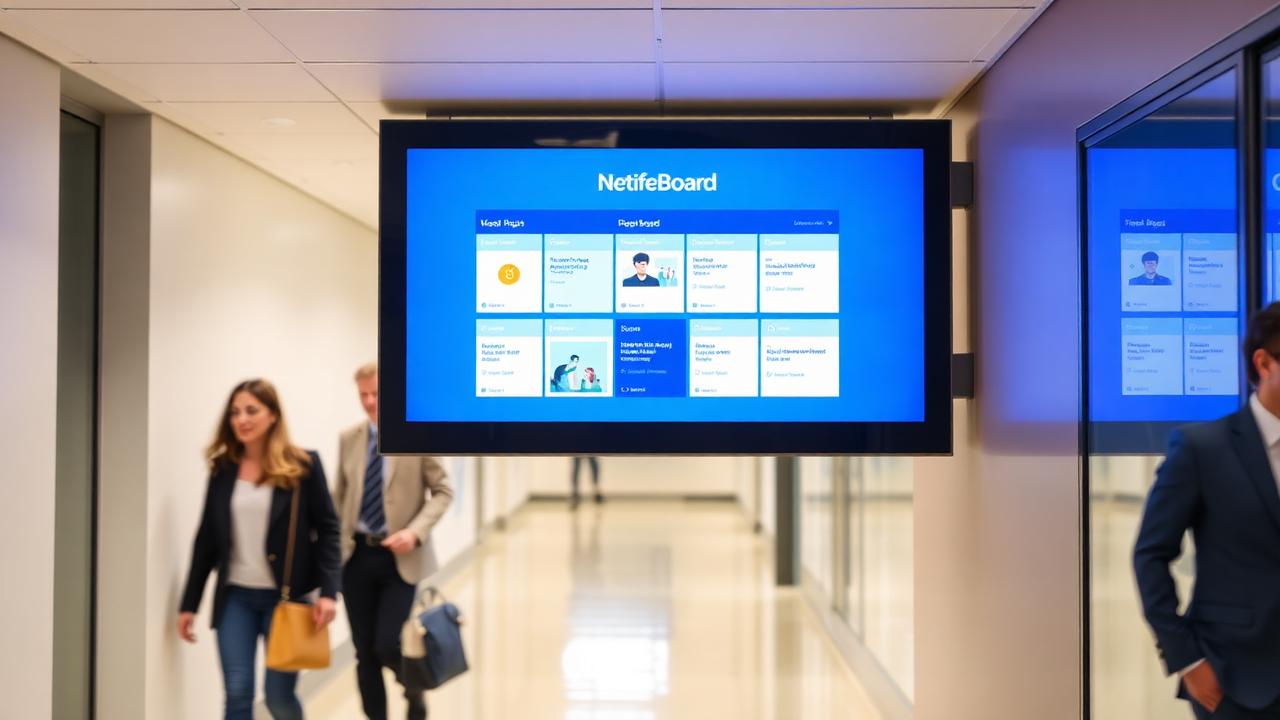
Professional Commercial Displays
Digital notice boards and institutional information screens.
Indoor corridors, receptions, departments, meeting spaces and command rooms.
Explore option
Interactive Flat Panel Displays
Classrooms, meeting rooms, training centres and collaborative environments.
Classrooms, training rooms, meeting rooms and collaboration spaces.
Explore optionDigital Kiosks
Citizen information, wayfinding and interactive services.
Reception halls, counters, public offices and campus entrances.
Explore option
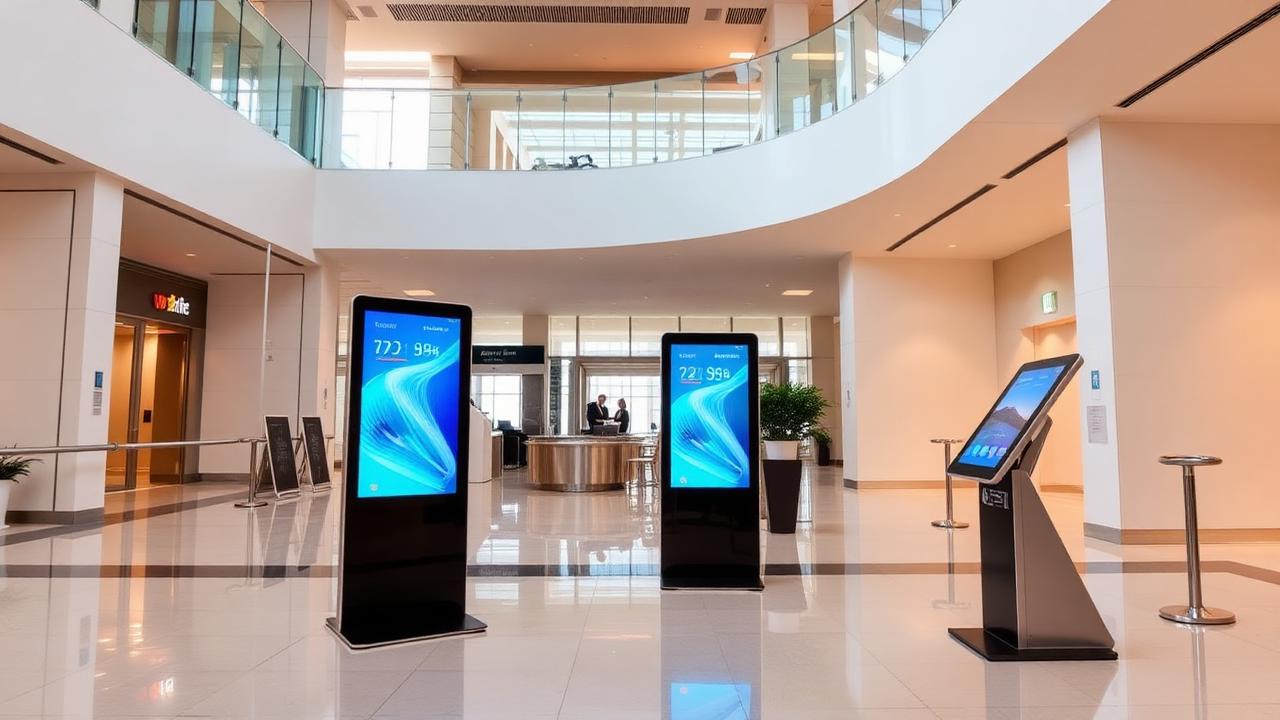
Digital Standees
Reception, notices and portable information points.
Lobbies, entrances, exhibition areas and visitor zones.
Explore option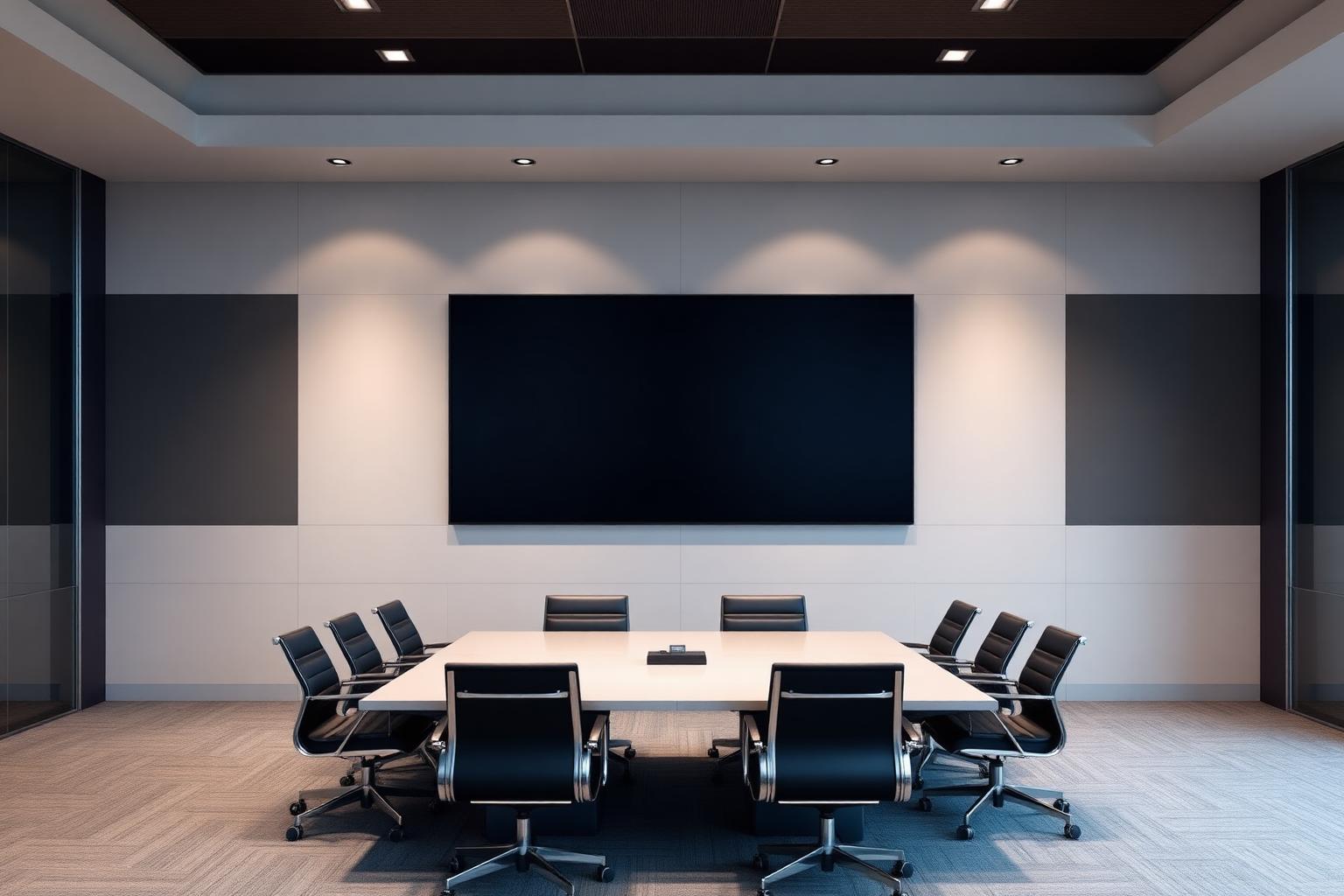
All-in-One LED Displays
Boardrooms, auditoriums and large presentation environments.
Boardrooms, auditoriums, conference halls and control rooms.
Explore option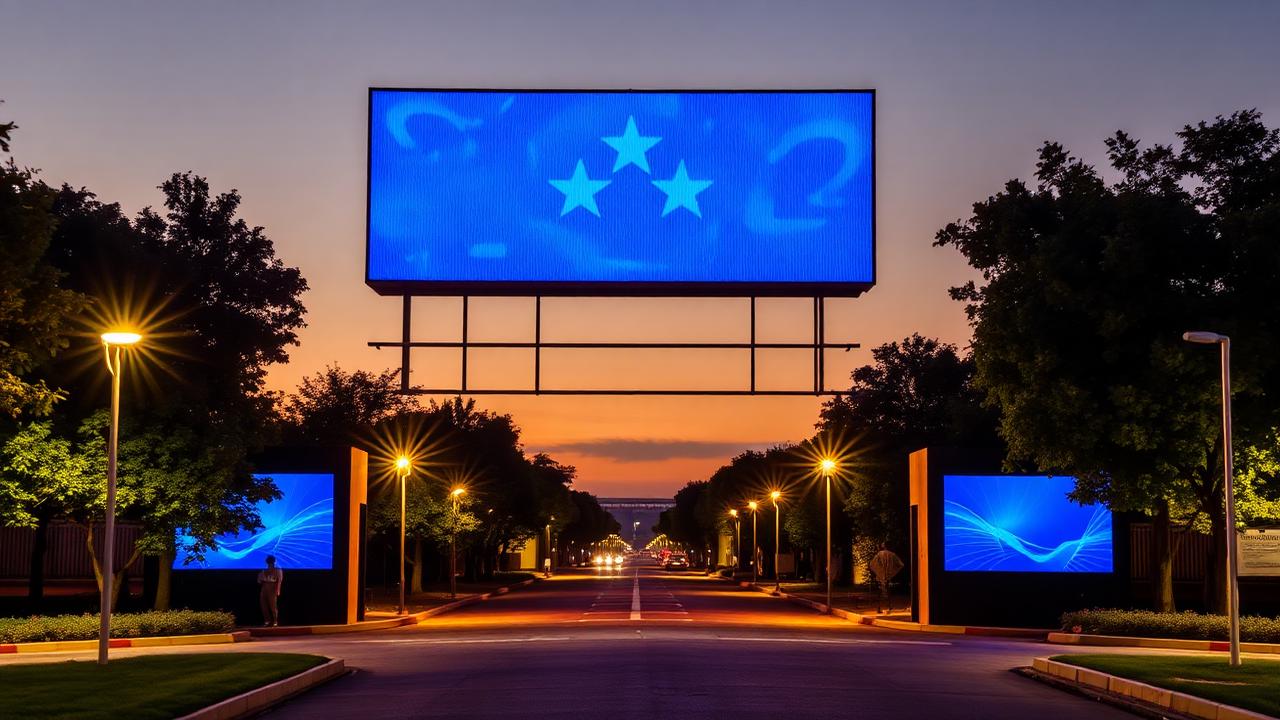
Indoor LED Displays
Large-format indoor communication.
Large indoor halls, atriums and control environments.
Explore option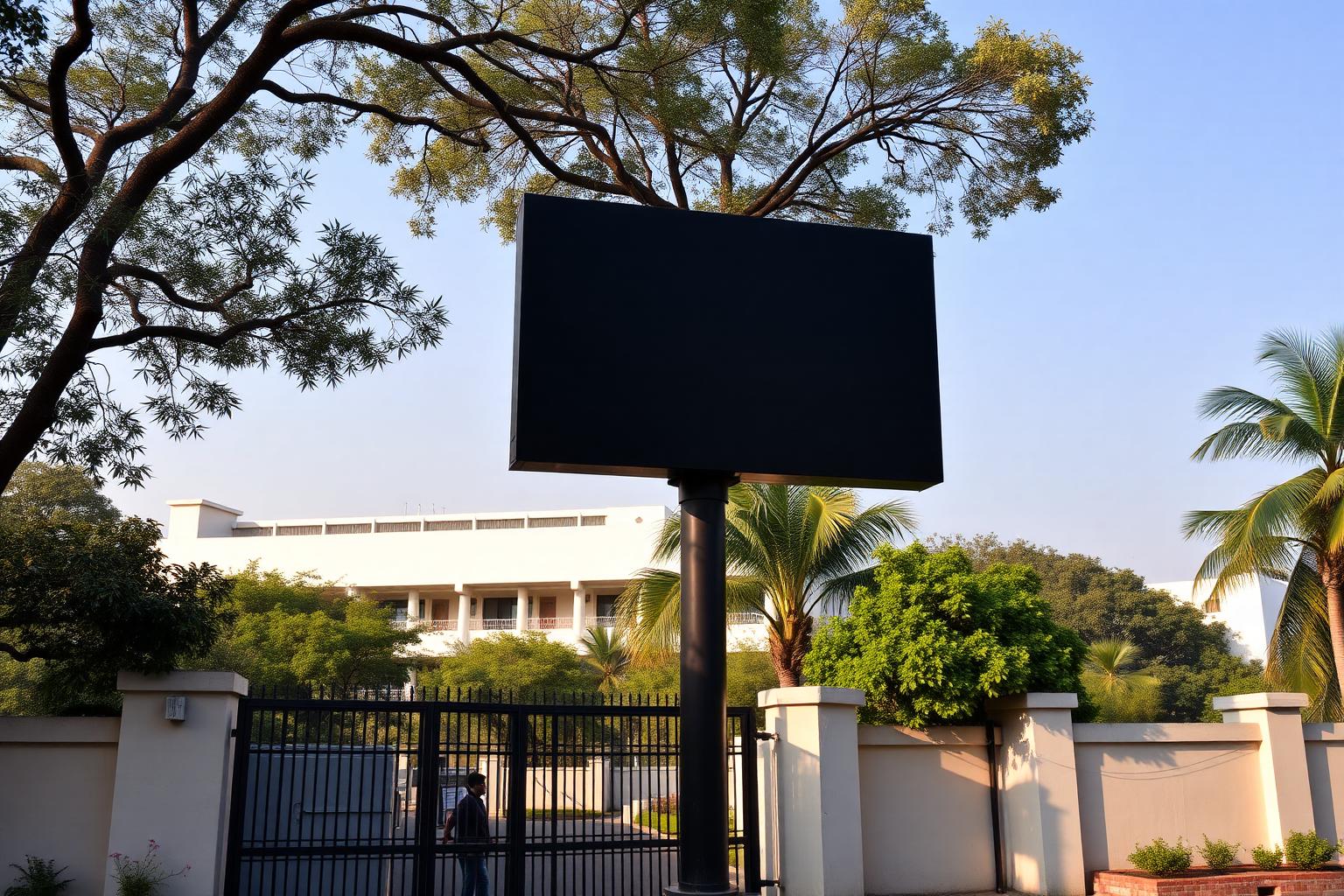
Outdoor LED Displays
Public information at campus gates and open areas.
Gates, campus frontage, plant boundaries and open public areas.
Explore option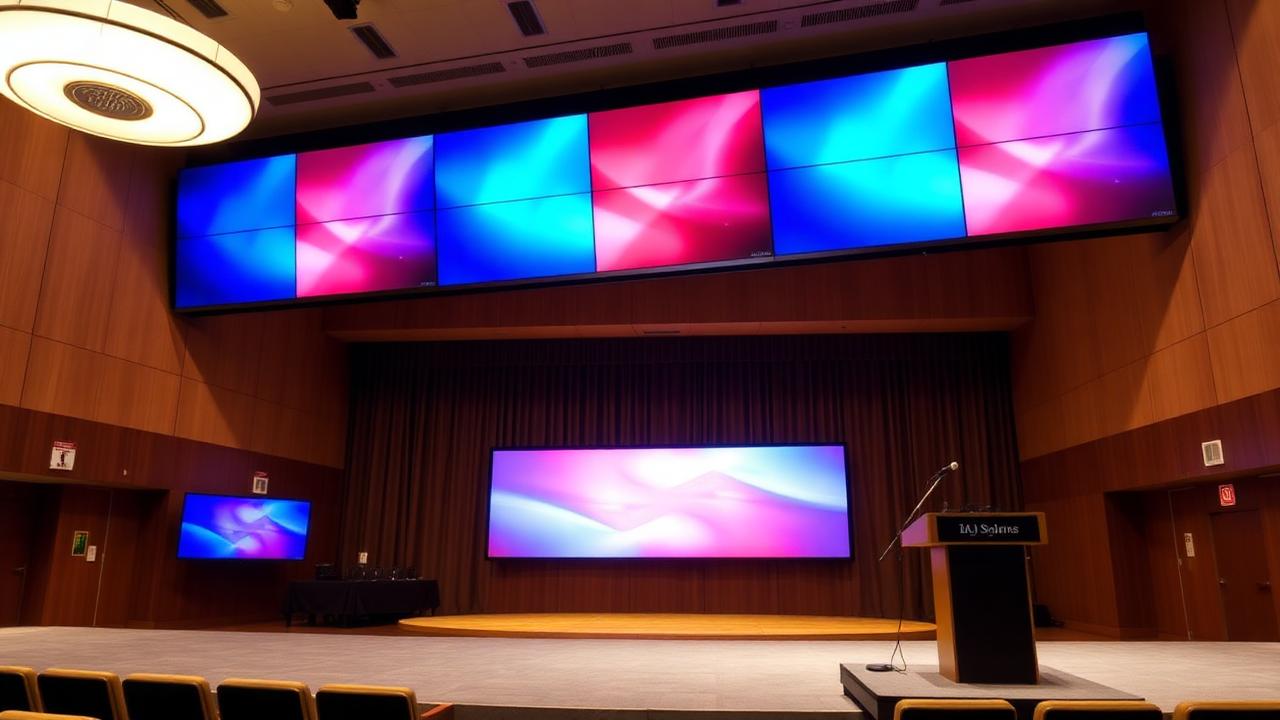
LCD Video Walls
Control rooms and multi-screen information surfaces.
Control rooms, monitoring centres, auditoriums and large lobbies.
Explore option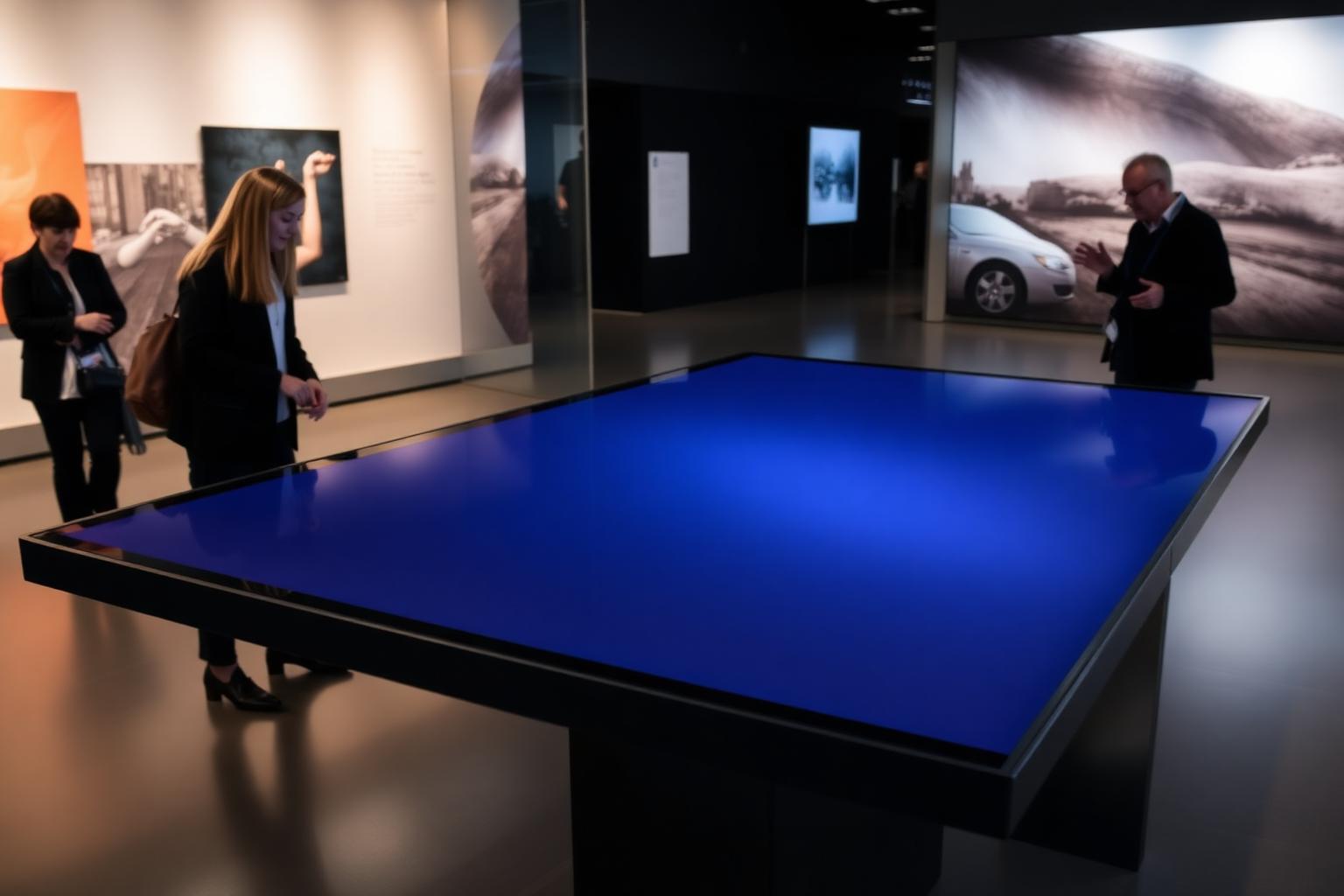
Interactive Touch Tables
Visitor centres, showcases and collaborative sessions.
Visitor centres, exhibition areas and collaboration rooms.
Explore option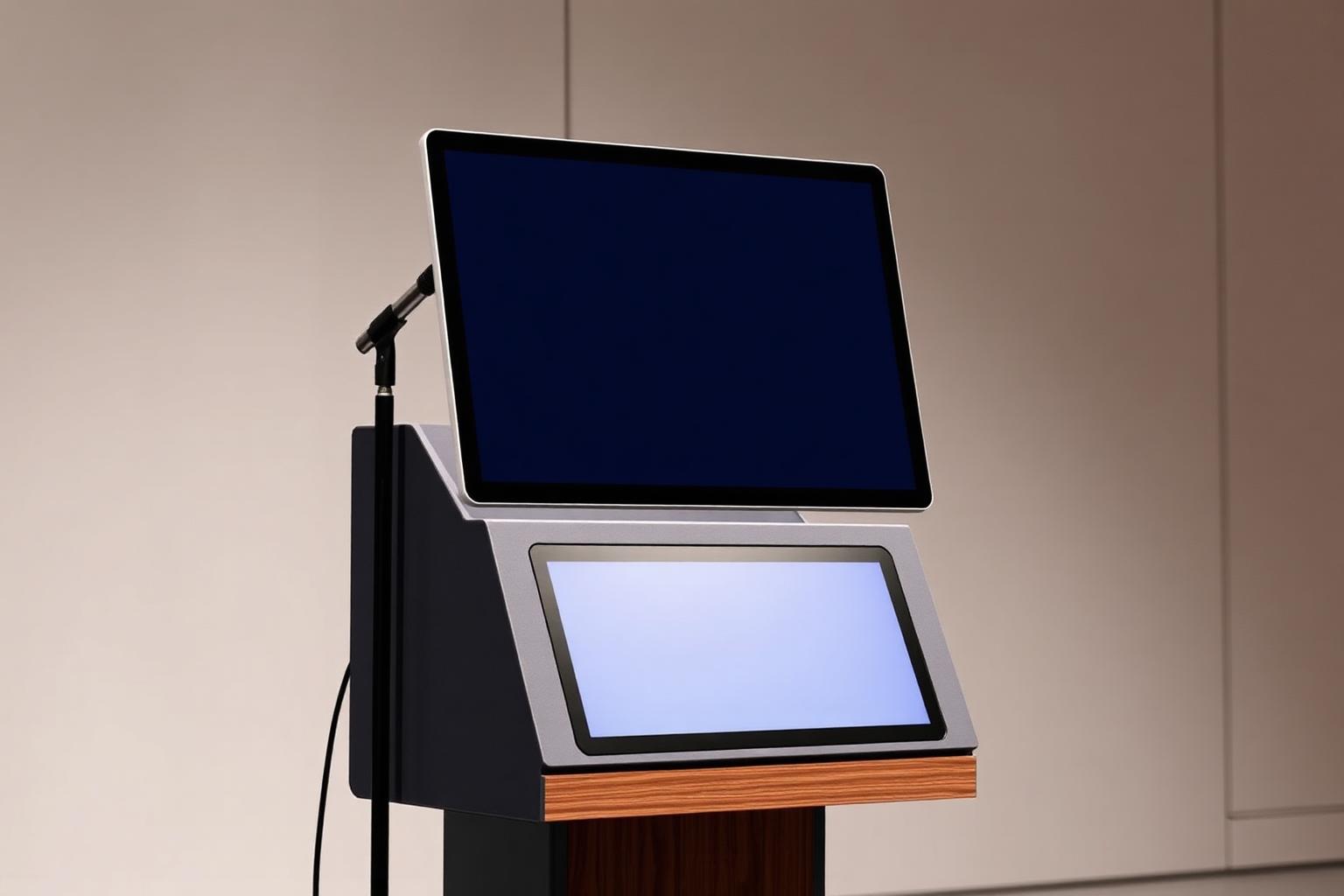
Digital Podiums & Auditorium Technology
Education, training and conferences.
Lecture halls, auditoriums, training rooms and conference venues.
Explore optionOutdoor High-Brightness Displays
Readable information in bright ambient light.
Entrances, gates, sheltered outdoor areas and window installations.
Explore optionMedia Players
The playback layer connecting displays to iDisplay.
Any deployment — cloud, on-premise or offline.
Explore optionInteractive & Experience Displays
Specialized display experiences for visitor-facing spaces.
Visitor centres, museums, showcases and public engagement spaces.
Explore optionMulti-OEM capability
Not locked to one display brand
Hardware can be proposed from suitable manufacturers depending on the approved specification and what is available for the project. Model-level compatibility is confirmed technically before anything is proposed.
- Approved technical specification
- Tender requirement
- GeM availability
- Screen size
- Brightness
- Indoor / outdoor requirement
- Operating-hours requirement
- Touch requirement
- Connectivity
- Warranty and support requirement
- Project budget
- Availability
Procurement journey
From requirement to commissioning
- 1Understand requirement
- 2Select software architecture
- 3Define display specification
- 4Identify compatible hardware options
- 5Check GeM / procurement availability
- 6Finalize approved make and model
- 7Installation & commissioning
Implementation
Installation, commissioning and support
One partner for software, integration, display hardware and deployment.
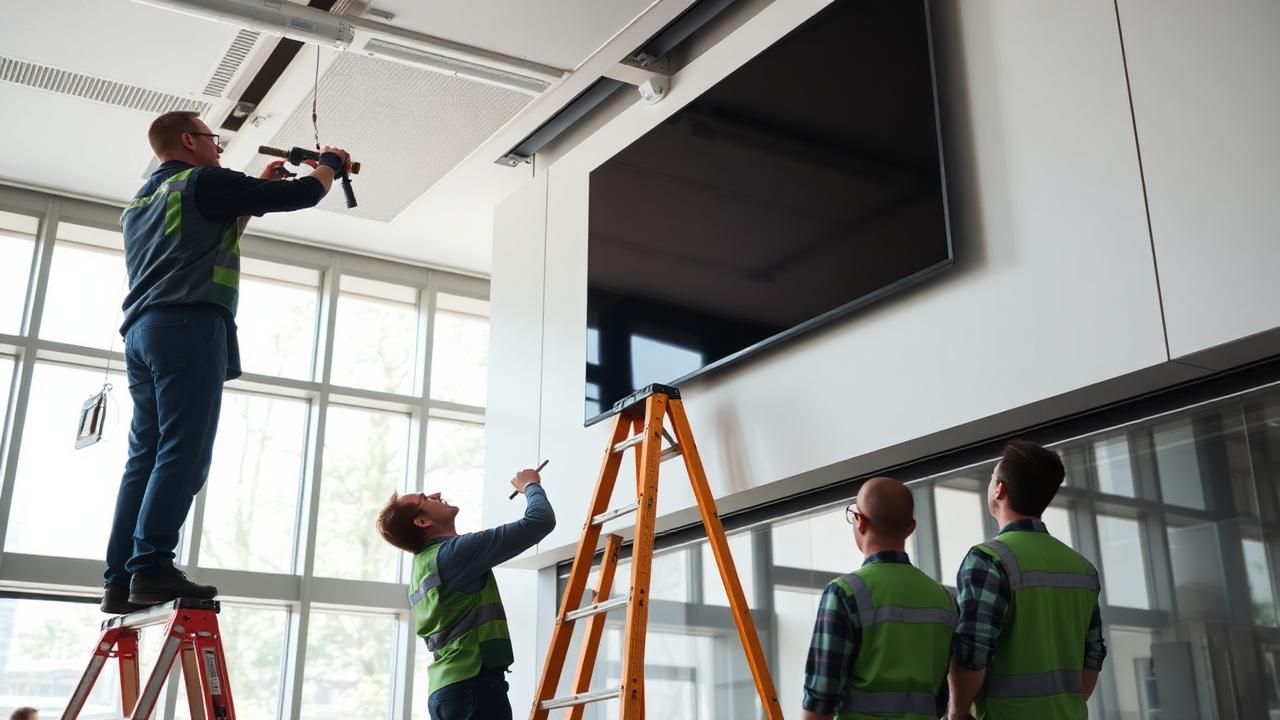
- Site survey and mounting assessment
- Display, player and network installation
- Platform configuration and content setup
- Administrator training at handover
- Ongoing technical support and maintenance