

Digital notice board · Digital signage · Display management
Centralized digital notice board and signage software for institutions
iDisplay lets Government departments, PSUs, research institutions, colleges and industrial organizations manage every screen — across buildings, campuses and plants — from one platform, with cloud, on-premise or offline deployment and customization for your workflows and data.
Trusted for deployments with 10+ institutional organizations including BARC, ICMR, ICAR, KRIBHCO Fertilizers Limited.
Institutional display · Main lobby
Live
Notice
Departmental circular published today
Emergency alert
Priority message overrides the playlist
Live data
Operational figures from a connected source
Welcome
Visiting delegation welcome message
Video
Institutional film on the reception screen
Schedule
Content timed by location and hour
Illustrative screen layout. Content types, zones and templates are configured per deployment.

The problem
Institutional information is still scattered across printed boards and disconnected screens
Notices are printed and pinned, screens are updated one by one, departments publish independently, and there is no reliable way to know what is being shown where.
Without centralization
- Printed notices delayed, damaged or outdated
- Each screen updated manually at its location
- No control over what is displayed publicly
- Live operational data never reaches the floor
With iDisplay
- Notices created once and published to selected screens
- Scheduling, expiry and approval built into publishing
- Role-based control by department and location
- One console for the entire display estate
The software
Manage multiple screens and locations from one place
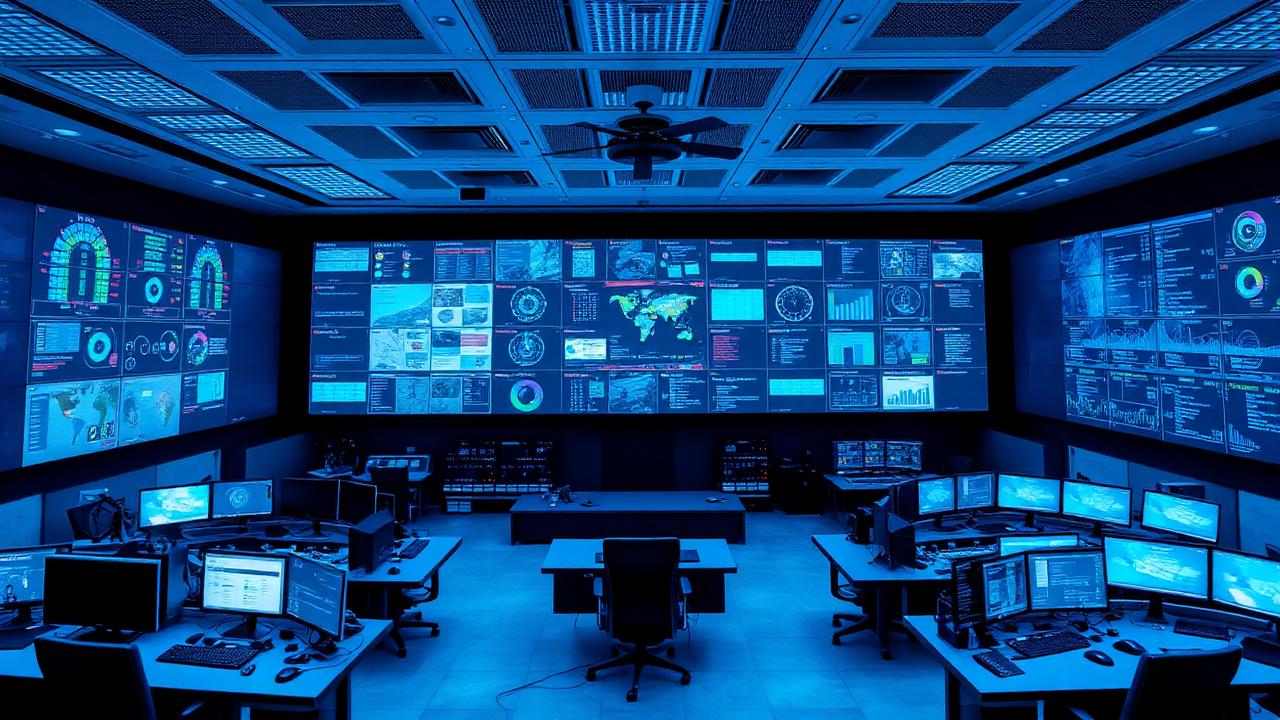
Locations, screens, content library, playlists, schedules, templates and deployment status in a single enterprise console.
iDisplay console — Deployment overview
Locations
Screens
Scheduled items
- Head OfficeOnline
- Branch OfficeOnline
- ReceptionOnline
- PlantScheduled
- CampusOnline
- Public Information PointOnline
Content library
Playlists
Templates
- Head OfficeScreen group
- Branch OfficeScreen group
- ReceptionScreen group
- PlantScreen group
- CampusScreen group
- Public Information PointScreen group
Architecture
One Platform. Multiple Locations.
Publish, schedule and manage information across distributed display endpoints from a centralized platform.
Central iDisplay CMS
Content, users, schedules, approvals and screen status in one console.
Government Office
Lobby notice board
University
Corridor displays
PSU Plant
Shop-floor screen
Research Institute
Department display
Public Service Centre
Counter & token display
Remote Branch
Reception standee
Central platform
iDisplay CMS
Content · Screens · Users · Schedules · Data
- Head Office
- Plant
- Campus
- Regional Office
- Reception
- Outdoor LED
- Digital Standee
- Information Kiosk
Digital Notice Board Software
Built for organizations where notices must be accurate, authorized and visible at the right locations — not for advertising loops.
Explore solutionCentralized Digital Signage CMS
Central administration is the core of the system. Screens, locations and users are managed as one estate.
Explore solutionOnline / Cloud Digital Signage
Suitable where locations have reliable connectivity and central teams publish content remotely.
Explore solutionOn-Premise Digital Signage
Chosen by organizations whose IT policy requires internal hosting or restricted external connectivity.
Explore solutionOffline Digital Signage
Useful for remote sites, restricted areas and locations with intermittent connectivity.
Explore solutionMulti-Location Screen Management
Central policy, local relevance: common organizational content plus location-specific information.
Explore solutionLive Data Display
Implemented as a customized integration for each project, based on the data sources your organization approves.
Explore solutionQMS / Queue Management Integration
Delivered as a customized integration, as implemented for ICMR.
Explore solutionCustom integration
Information already inside your systems, shown where people are
Approved data sources are mapped into display layouts so operational, service and public information reaches screens without manual re-entry.
Source systems
- ERP
- Database
- API
- Queue management
- Live data feed
iDisplay
Mapping, formatting, scheduling and role-based publishing.
On screen
- Production information
- Queue / token status
- Safety information
- Environmental data
- Visitor information
- Operational dashboards
Custom integration based on project requirements. Sources are mapped and verified during the configuration stage of each deployment.
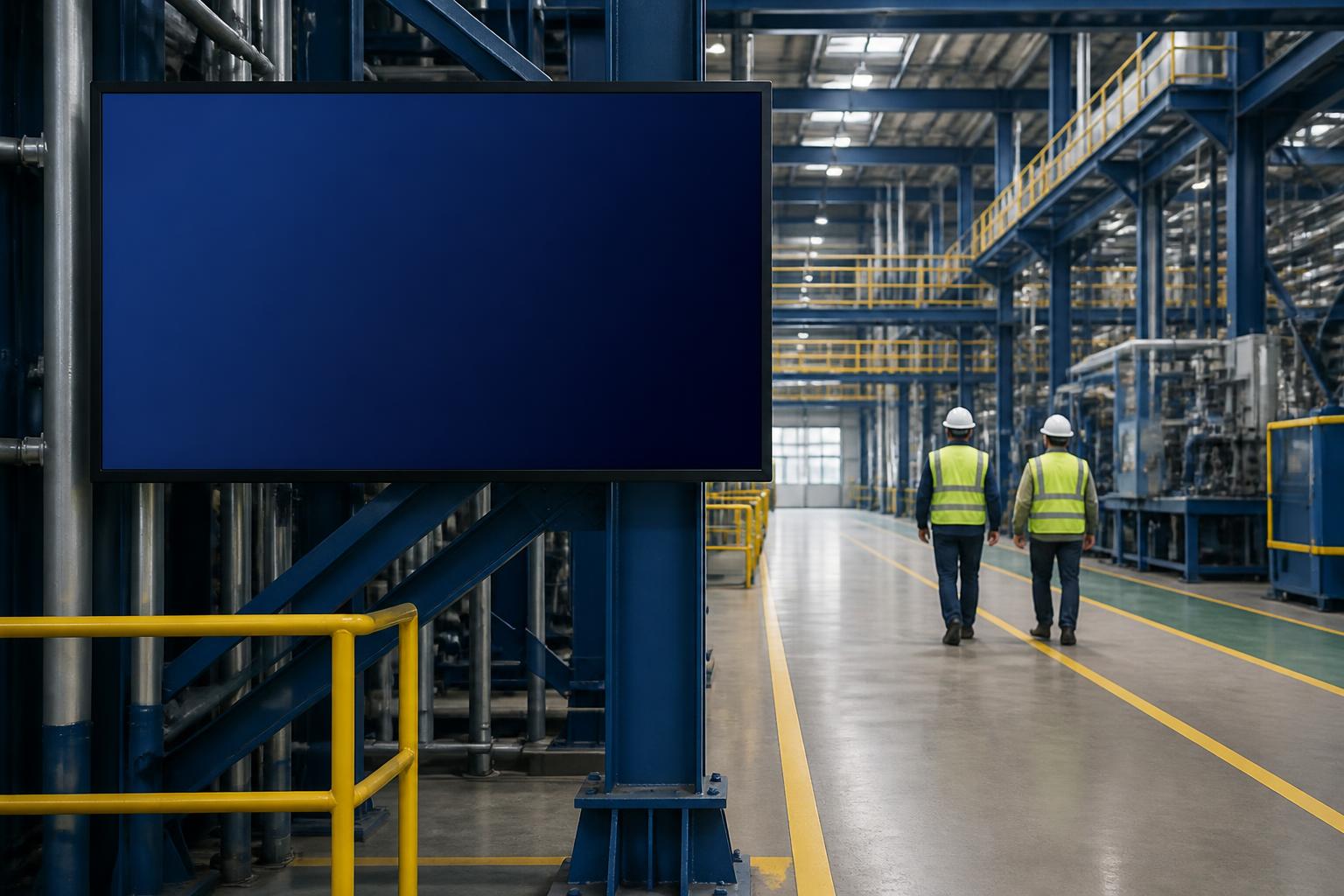
Live data on the floor, not only in a report
Production information, queue and token status, safety information, environmental readings, visitor information and operational dashboards can be published to selected screens. Each source is scoped, mapped and verified as part of the deployment.
Custom integration based on project requirements.
Virtual Helpdesk & Remote Assistance
Inform. Guide. Assist.
From information to human assistance in one digital service point.
- 01
Inform
- Notices
- FAQs
- Instructions
- Schedules
- 02
Guide
- Search
- Directories
- Wayfinding
- Self-service
- 03
Assist
- Connect to a real representative
Government Office
How can we help?
- Find Department
- Citizen Services
- Required Documents
- Office Directory
- Accessibility Assistance
Support Representative
Authorized officer · remote desk
Digital signage when idle. Human assistance when needed.
The same endpoint presents authorized public information, offers configured self-service, and — where the deployment includes it — connects the visitor to an authorized remote representative. Combine digital information and remote assistance in a customized deployment.
Level 1
Inform
The endpoint presents authorized public information for the location, exactly as it is published from the central console.
Level 2
Self service
Where those services are configured and integrated for the deployment, the visitor can use interactive services without waiting for a person.
Level 3
Human assistance
When information is not enough, the visitor can request a live interaction with an authorized remote representative.

Why iDisplay
Built for organizations that cannot run on generic signage software
Customization, not templates
Workflows, layouts, approvals and data sources are configured to how your organization actually communicates.
Deployment on your terms
Cloud, on-premise inside your network, or fully offline where connectivity is restricted.
Institutional experience
Deployments delivered for research, energy, agriculture, atomic, space and administrative organizations.
Software + compatible hardware + integration
One partner for software, integration, display hardware and deployment — with hardware selected for the requirement, not the other way around.
Controlled publishing
Role-based users, review and scheduling so only authorized content reaches public-facing screens.
One console, every location
Buildings, campuses, plants and regional offices administered from a single central platform.
Industries
Communication requirements differ by organization
Each sector has its own approval structure, audience and information. iDisplay is configured accordingly.
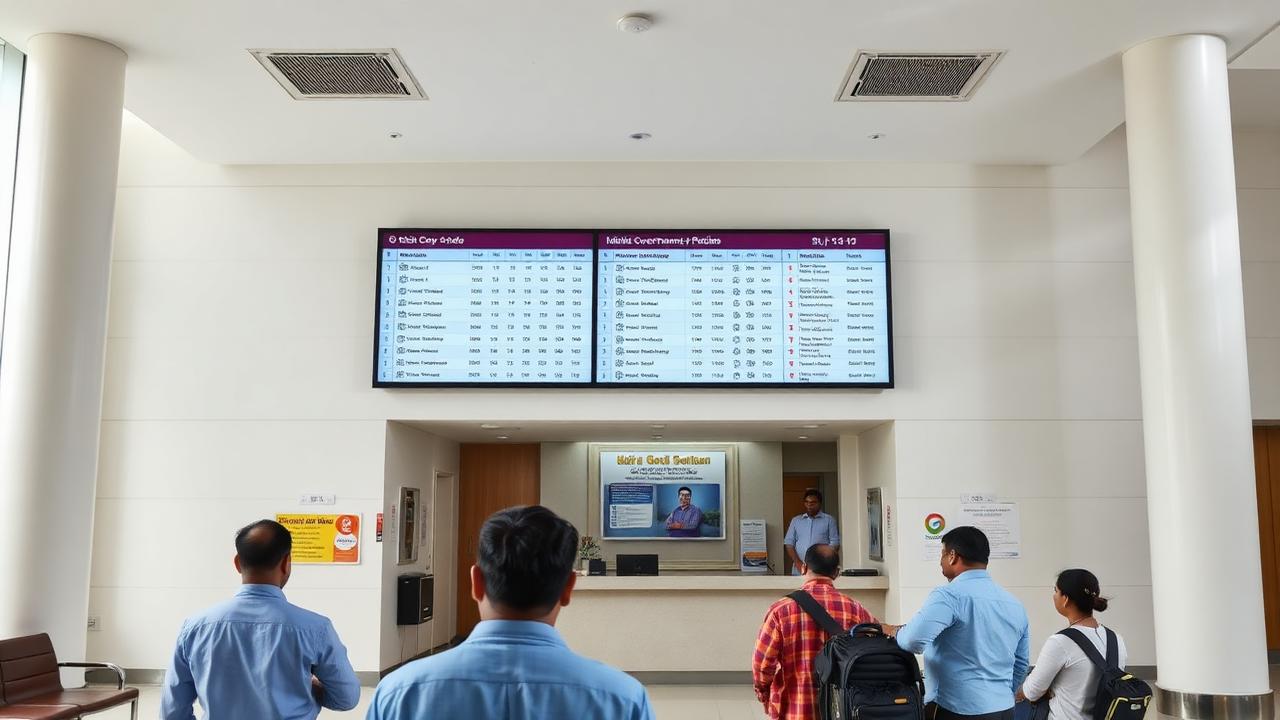
Government
Government offices communicate with citizens, visitors and staff across receptions, corridors, counters and multiple buildings. iDisplay centralizes that communication and keeps every screen under departmental control.
Government displays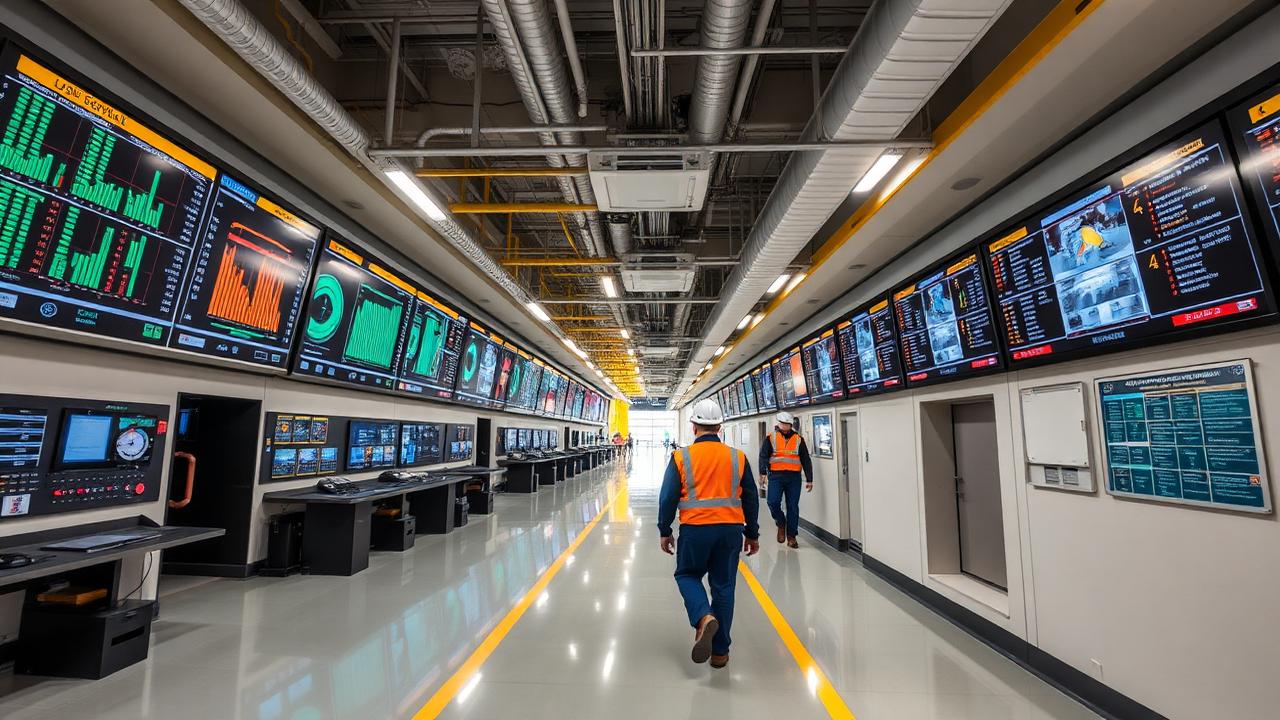
PSUs & Public Sector
PSU communication spans plants, offices and townships. iDisplay brings safety, operational and organizational information onto controlled displays across those locations.
PSUs & Public Sector displays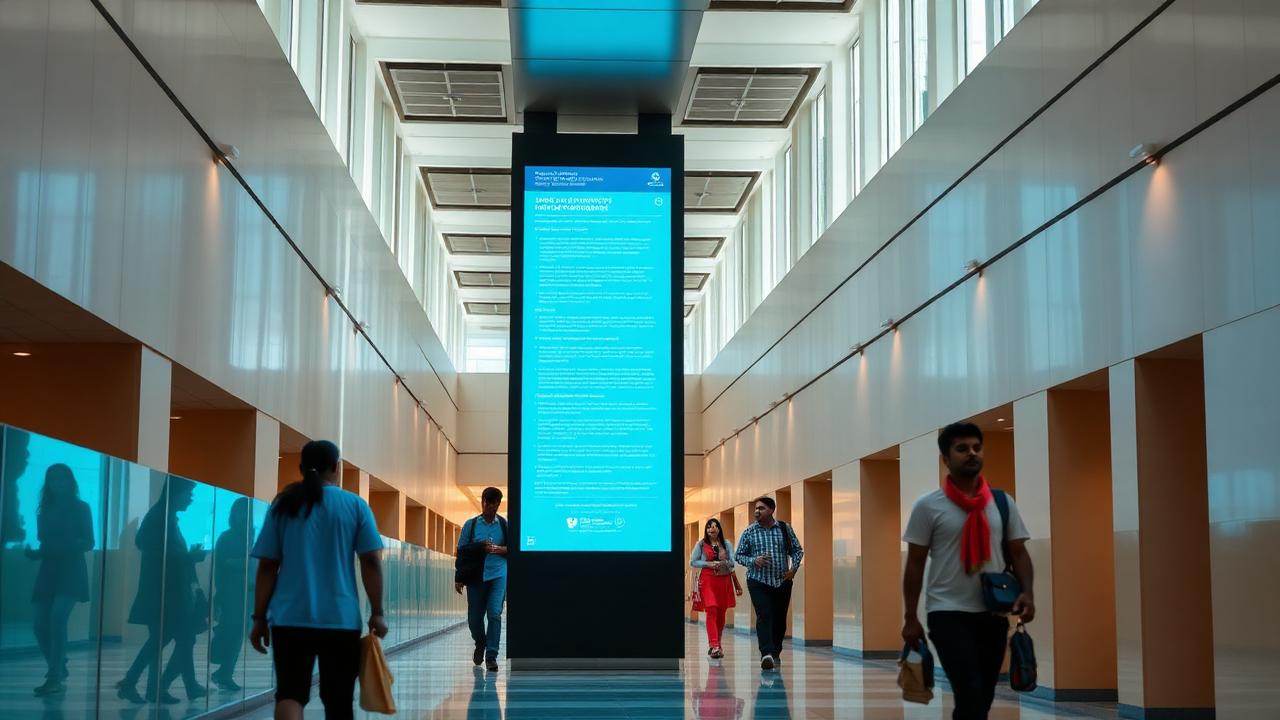
Colleges & Universities
Campuses run on notices. Examination schedules, timetable changes, admissions information and placement notifications reach students faster when screens are managed centrally.
Colleges & Universities displays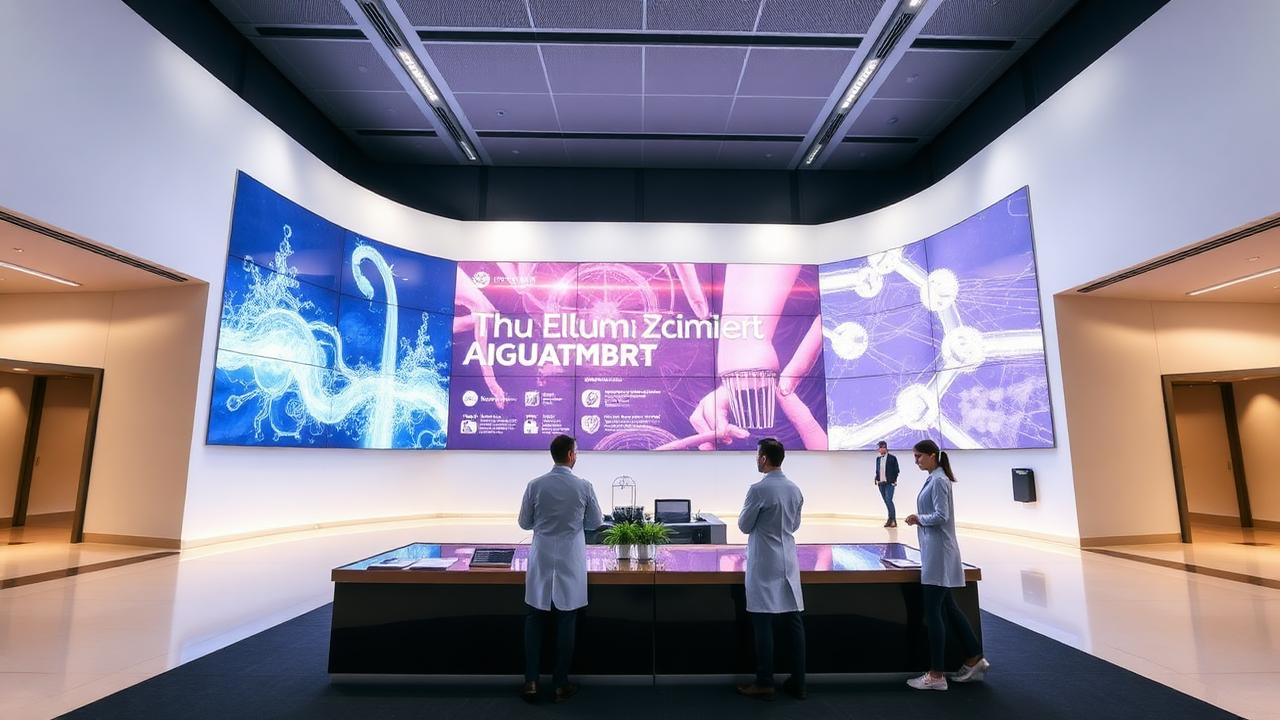
Research & Institutional
Research institutions communicate with staff, scholars and visitors across laboratories, administrative blocks and public areas.
Research & Institutional displays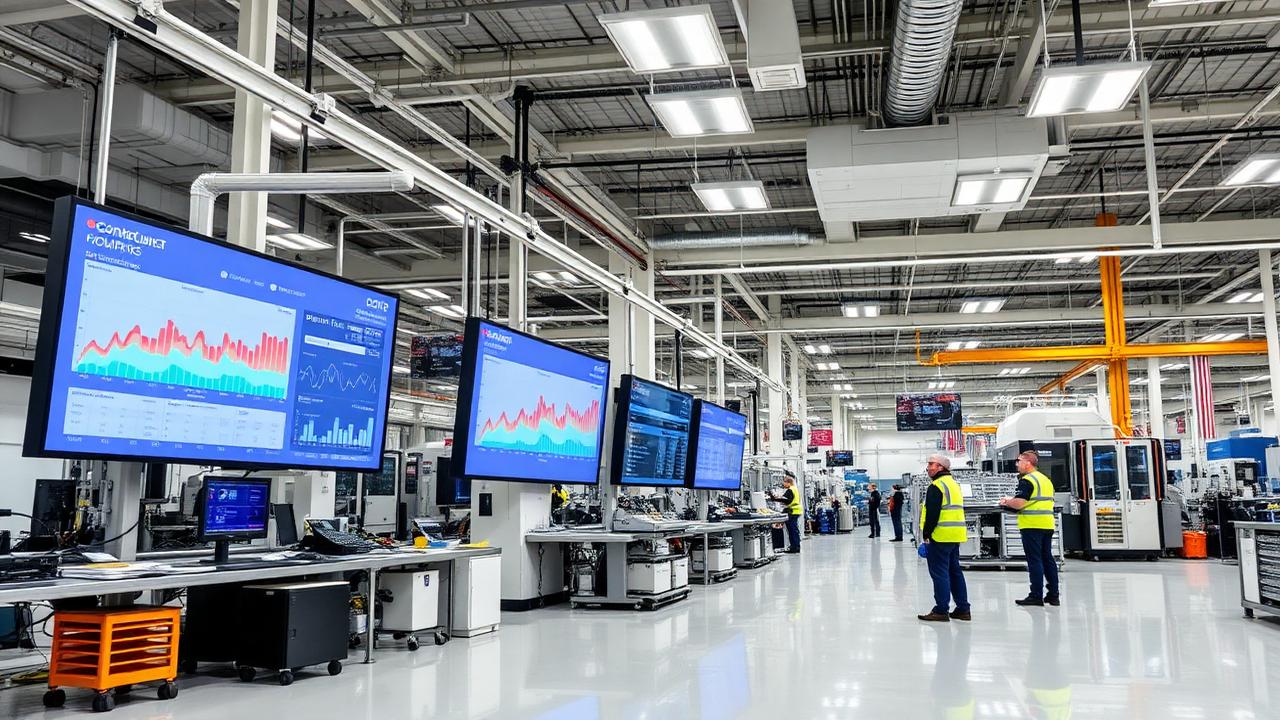
Industrial & Manufacturing
On the shop floor, information has to be current. iDisplay connects approved production and safety data to displays and keeps shift communication consistent across the plant.
Industrial & Manufacturing displays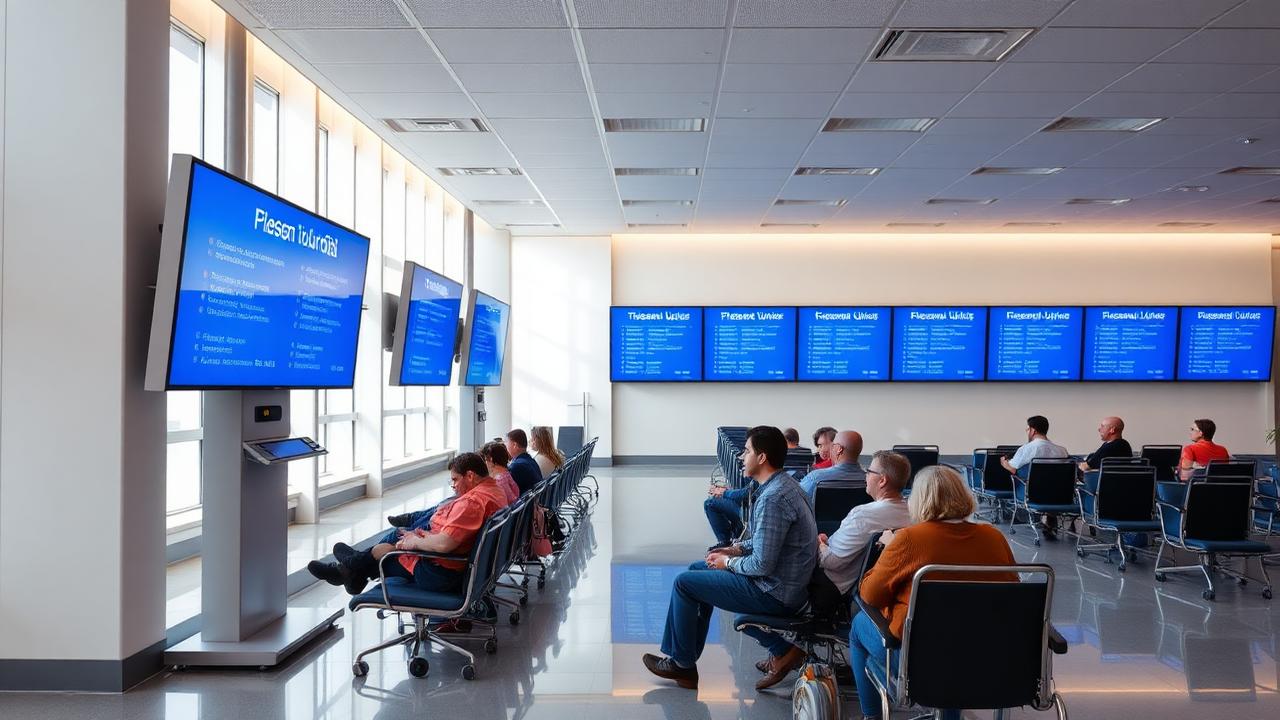
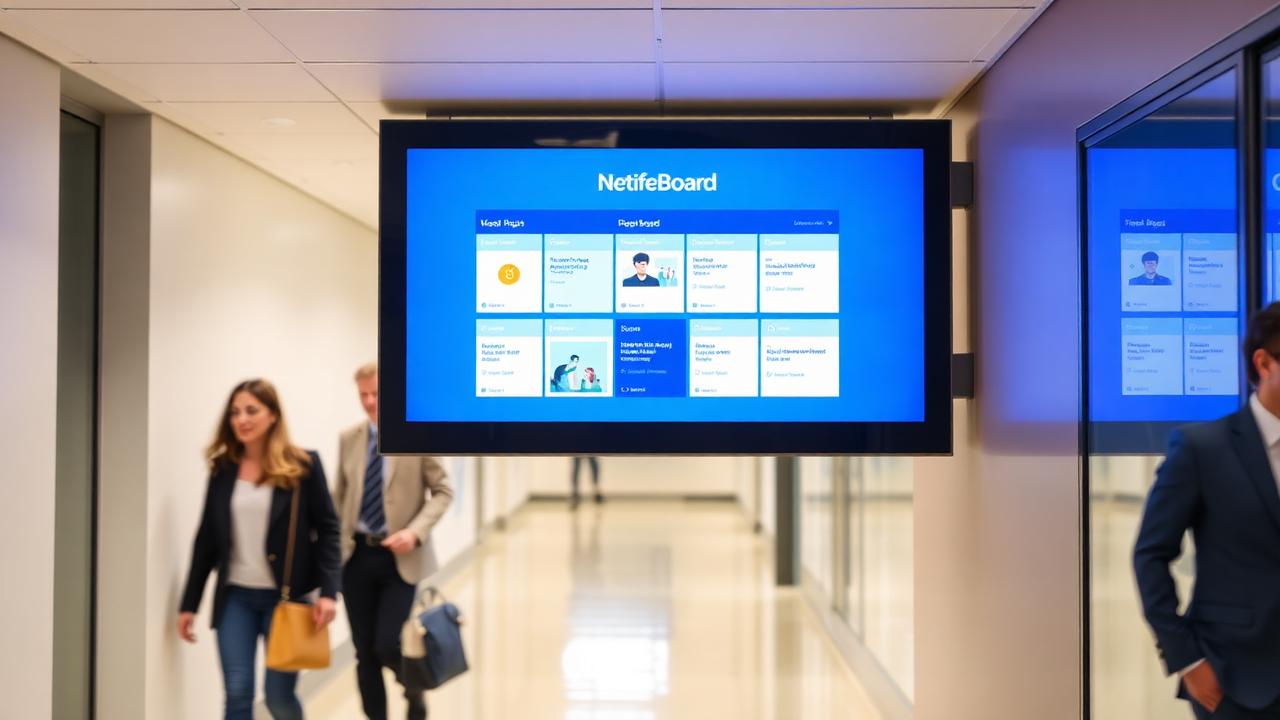
Healthcare & Public Service
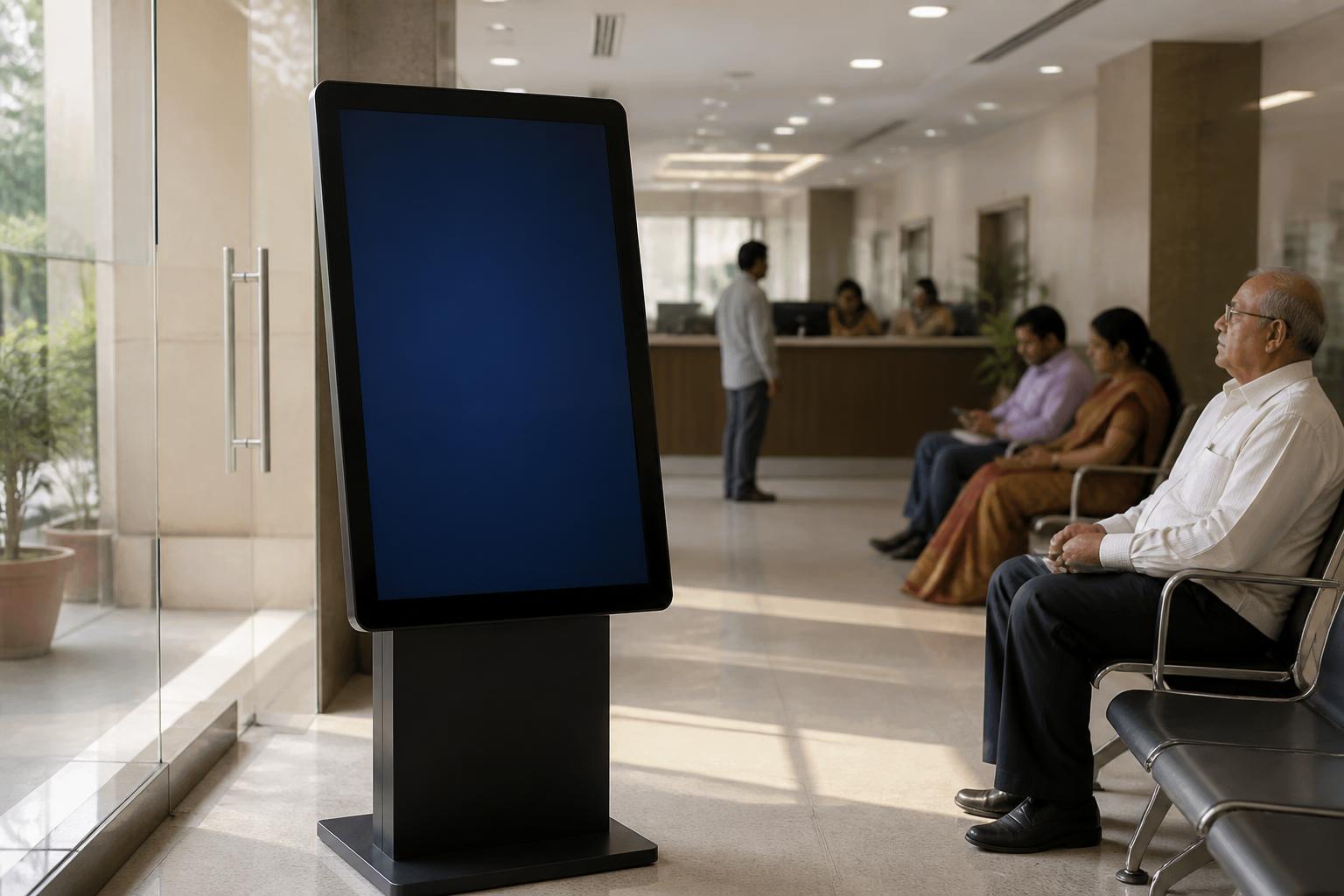
Waiting areas, registration counters and public-service desks need queue information and clear guidance on the same screen.
Healthcare & Public Service displaysHardware options
One platform. Multiple display possibilities.
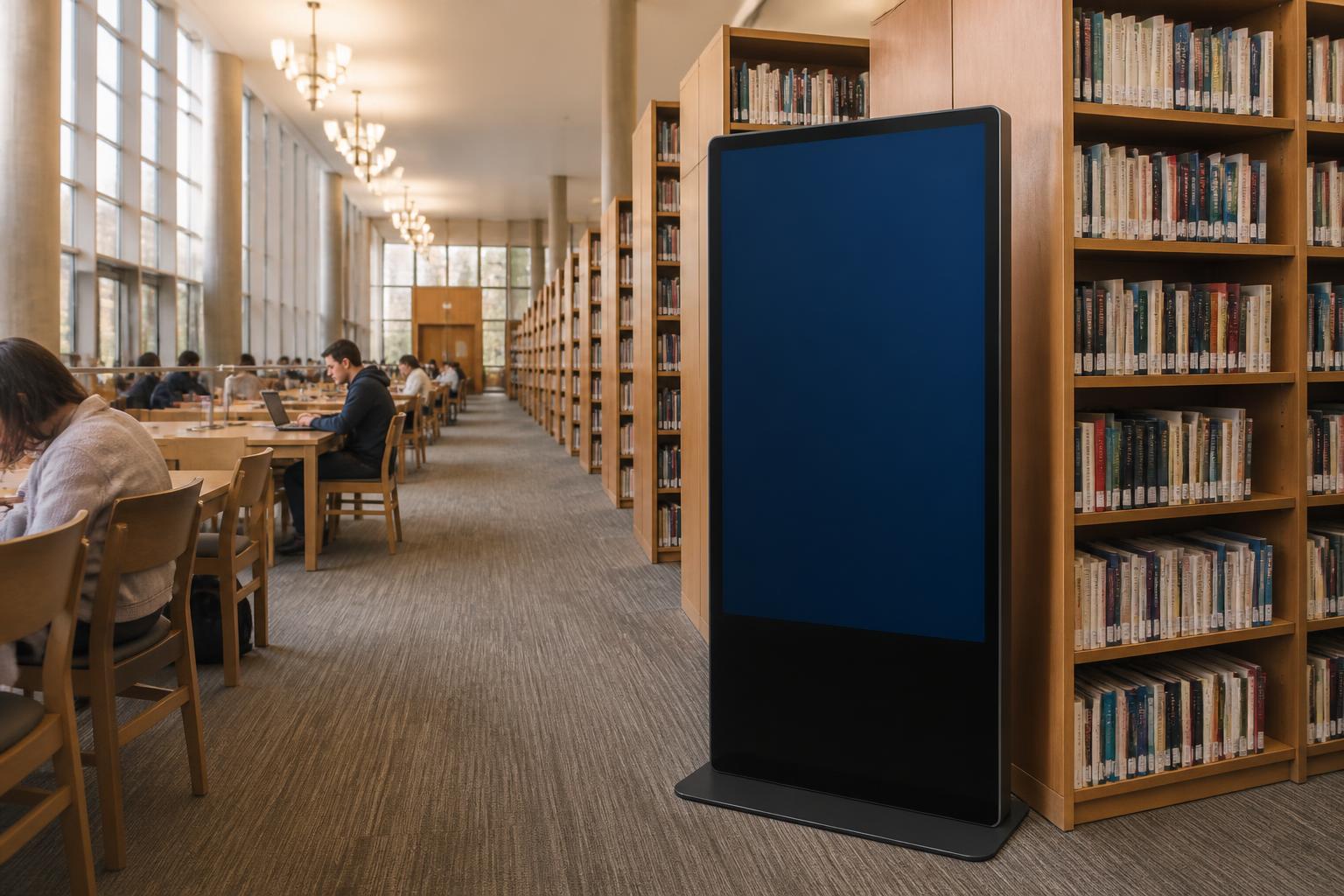
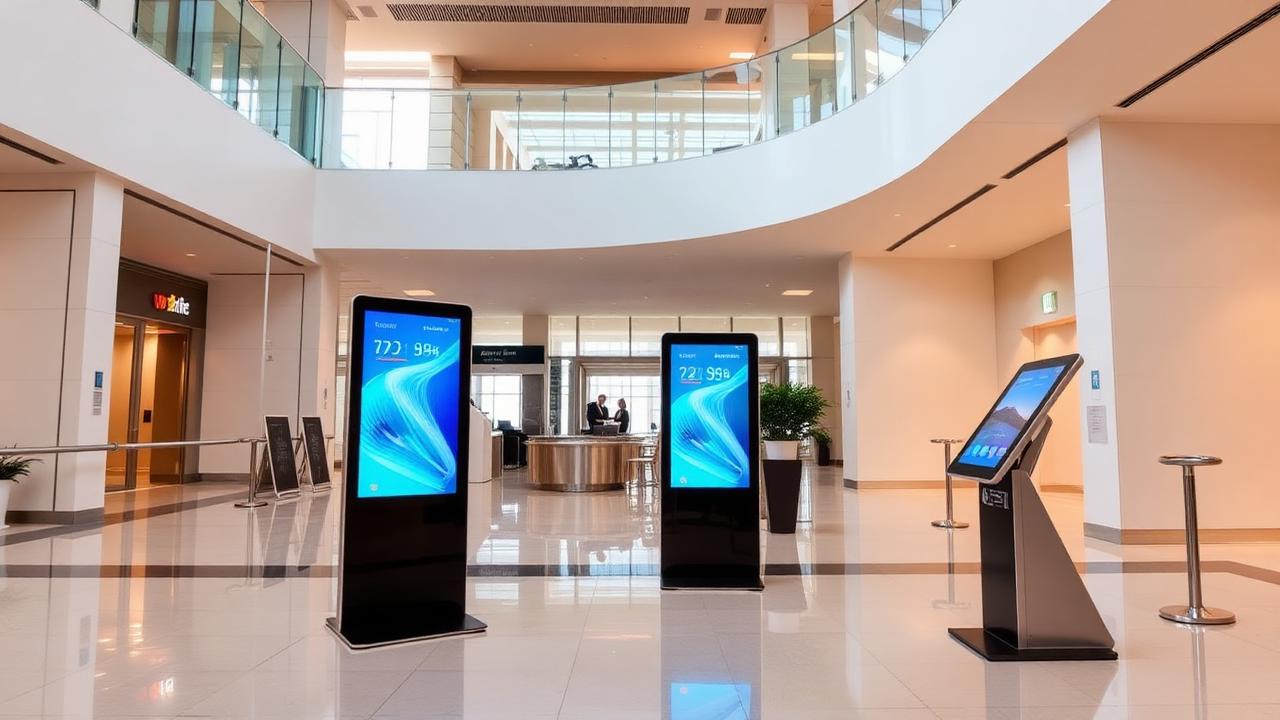
Deploy iDisplay on the display infrastructure appropriate for your environment — from professional screens and interactive panels to kiosks, standees and large-format LED systems.







Deployments
Delivered for research, energy, agriculture and administrative organizations
Selected deployments where iDisplay software, customization and hardware were implemented.
BARC
Digital signage with customized digital standees
Digital signage solution with customized digital display standees and centralized content management for notices, announcements and multimedia.
Read case studyICMR
Digital signage integrated with a customized Queue Management System
Queue information, announcements and institutional content on the same displays, with queue and content both managed centrally.
Read case studyICAR
Outdoor LED display with centralized scheduling
Outdoor digital signage with centrally managed and scheduled notices, institutional information, images and videos.
Read case studyKRIBHCO Fertilizers Limited
Live production data on plant displays
Digital signage integrated with a customized software application for displaying live production-related data.
Read case studyNALCO
Digital notice board with smart content scheduling
Centrally created notices, announcements, images and videos published automatically at defined dates and times.
Read case studyDCO Jaipur
Outdoor display for live Census data and public information
Digital signage with an outdoor display and customized functionality for live Census-related data and public information.
Read case studyProject photographs are published only where the organization has approved their release. Where no approved image exists, the deployment is described with a solution diagram instead.
Government eMarketplace
Built Around Your Technical & Procurement Requirement.
Software and display hardware can be procured through GeM or through your tender process. We assist with specifications, BOQ preparation and technical clarifications.
- 01
Requirement
Locations, audiences, content and approval structure.
- 02
Technical configuration
Software modules, integrations and deployment model.
- 03
Compatible hardware
Display categories selected for the environment.
- 04
GeM / tender procurement
Specifications, BOQ and clarification support.
- 05
Deployment
Installation, commissioning, training and support.

Procurement support that matches how institutions buy
- GeM-listed software and hardware categories
- Specification and BOQ assistance
- Technical clarification support during bids
- Installation, commissioning and training
How a deployment runs
A defined process from requirement to support
- 1
Requirement study
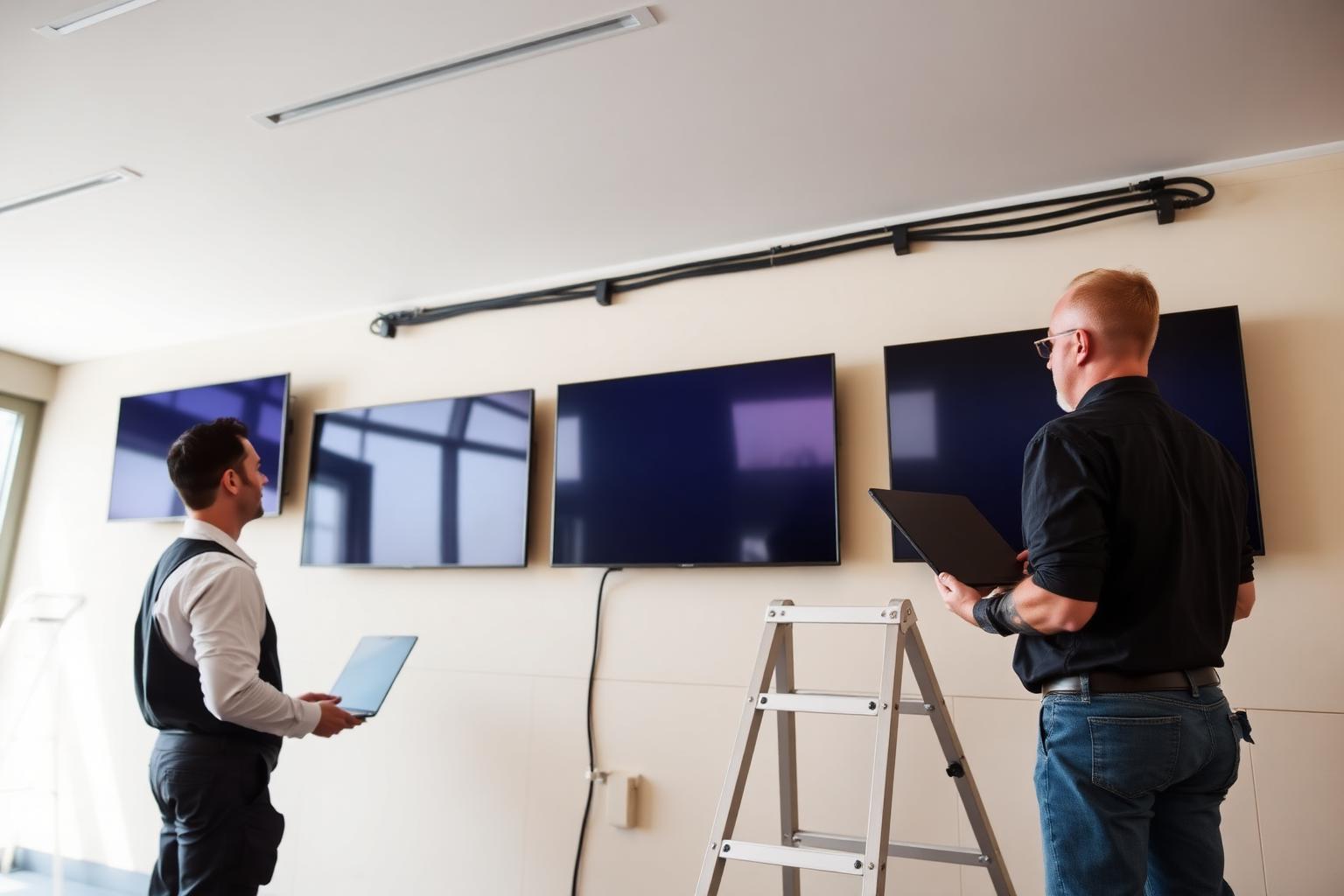
Locations, screens, audiences, content and connectivity are assessed.
- 2
Solution design
Deployment model, layouts, user roles and integrations are defined.
- 3
Customization
Workflows, templates and approved data sources are configured.
- 4
Installation & commissioning
Displays, players and network are installed and verified.
- 5
Training & support
Administrators are trained and ongoing support is provided.
FAQs
Questions institutional buyers ask
Visitor
Arrives at the location with a question.
Interactive helpdesk
Information and self-service at the point of need.
Live remote representative
Connected to an authorized person where configured.