
Solution
Virtual Helpdesk — an institutional remote-assistance platform
A visitor physically reaches a location, but the right officer, specialist, guide or service representative may not be available at that exact point. The Virtual Helpdesk makes remote human expertise accessible through an interactive physical endpoint.
From information to human assistance — in one digital service point.
Where the configuration supports it: digital signage when idle, live assistance when needed. Each level below is enabled only where it is actually configured for your deployment.
- Digital notice board when idle, assistance point when needed
- Self-service options configured per location
- Live interaction with an authorized remote representative

Inform → Guide → Assist
Three levels, one endpoint
The same physical point can inform, let the visitor serve themselves, and — when that is not enough — connect them to a person.
- 01
Inform
- Notices
- FAQs
- Instructions
- Schedules
- 02
Guide
- Search
- Directories
- Wayfinding
- Self-service
- 03
Assist
- Connect to a real representative
Level 1
Inform
The endpoint presents authorized public information for the location, exactly as it is published from the central console.
- Notices and instructions
- Schedules and timings
- FAQs and process notes
- Maps and public information
Level 2
Self service
Where those services are configured and integrated for the deployment, the visitor can use interactive services without waiting for a person.
- Directories and search
- Wayfinding
- Service selection
- Queue / token information where integrated
Level 3
Human assistance
When information is not enough, the visitor can request a live interaction with an authorized remote representative.
- Request a live interaction
- Routing to an authorized representative
- Assistance in the visitor's context
- Accessibility assistance
Two states, one endpoint
Combine digital information and remote assistance in a customized deployment
When nobody is interacting, the endpoint runs as a digital notice board. When a visitor asks for help, the same endpoint can present the assistance state — where that workflow is configured and connected for the deployment.
Idle state
Public information point
Live
Welcome
Welcome message for visitors
Announcement
Today's announcements
Public information
Process and timing information
Service information
Available services at this location
Assistance state
Support Representative
Authorized remote representative
Frontend demonstration. The live interaction is delivered through the video platform agreed for the deployment.
Visitor
Arrives at the location with a question.
Interactive helpdesk
Information and self-service at the point of need.
Live remote representative
Connected to an authorized person where configured.
Configurable home screen
How can we help you?
The home screen carries your organization's identity and only the options relevant to that location. Every button is customizable per deployment.
Your organization
How can we help you?
- Find Information
- Find a Location
- View Services
- Accessibility Assistance
- Frequently Asked Questions
Buttons, wording and language are configured per deployment.
The same platform is presented differently at an airport, a station, a government office or a library — the wording, sequence and services follow the visitor's context at that location.
Citizen service
- Select Department
- Citizen Services
- Required Documents
- Speak to an Officer
Passenger assistance
- Find My Area
- Passenger Services
- Special Assistance
- Speak to Airport Helpdesk
Stations & metro
- Station Information
- Facilities
- Passenger Assistance
- Speak to Helpdesk
Central & university libraries
- Search Catalogue
- Find a Section
- Membership
- Digital Resources
- Ask a Librarian
Citizen service
Government citizen service points
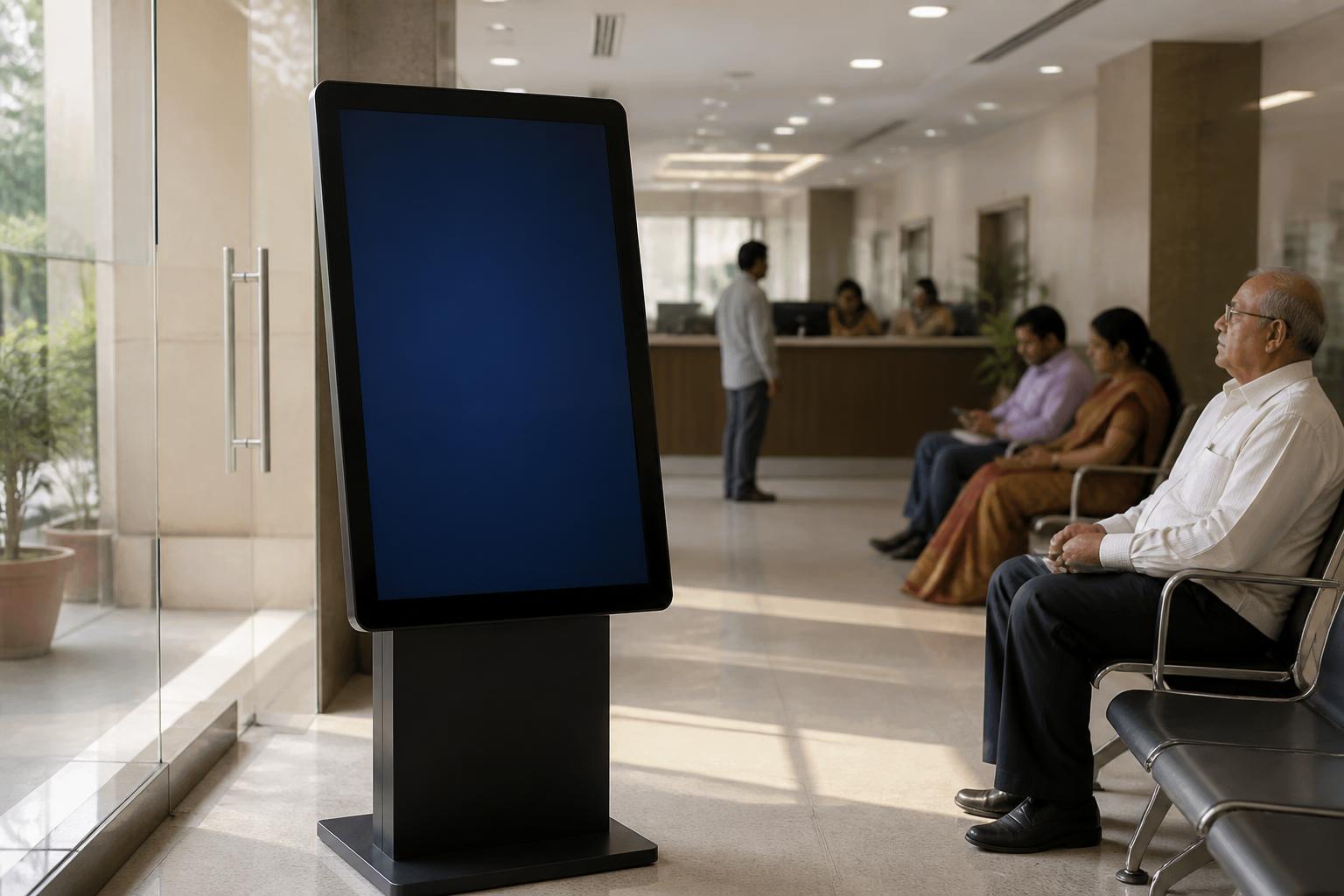
Visitors reach an office with a question about a process, a department or a document. The right officer may not be available at that exact counter, at that exact moment.
Where it is placed
- District Collector / DM offices
- Municipal corporations
- Tehsil / revenue offices
- RTO / transport departments
- Social welfare departments
- Agriculture departments
- Citizen service centres
- Government secretariats
- Public hospitals
- Employment / skill centres
- Tourism departments
- Judicial complexes
- Government universities
- Smart city public-service locations
Possible visitor needs
- Department guidance
- Process guidance
- Document checklist
- Scheme information
- Appointment information
- Citizen service information
- Office navigation
- Remote officer assistance
- Grievance guidance
- Accessibility assistance
Information shown is whatever your department publishes and authorizes. Integration with any government system is only claimed after it is actually implemented and verified for your deployment.
Citizen service
How can we help?
- Select Department
- Citizen Services
- Required Documents
- Speak to an Officer
Buttons, wording and language are configured per deployment.
Passenger assistance
Airport virtual passenger assistance
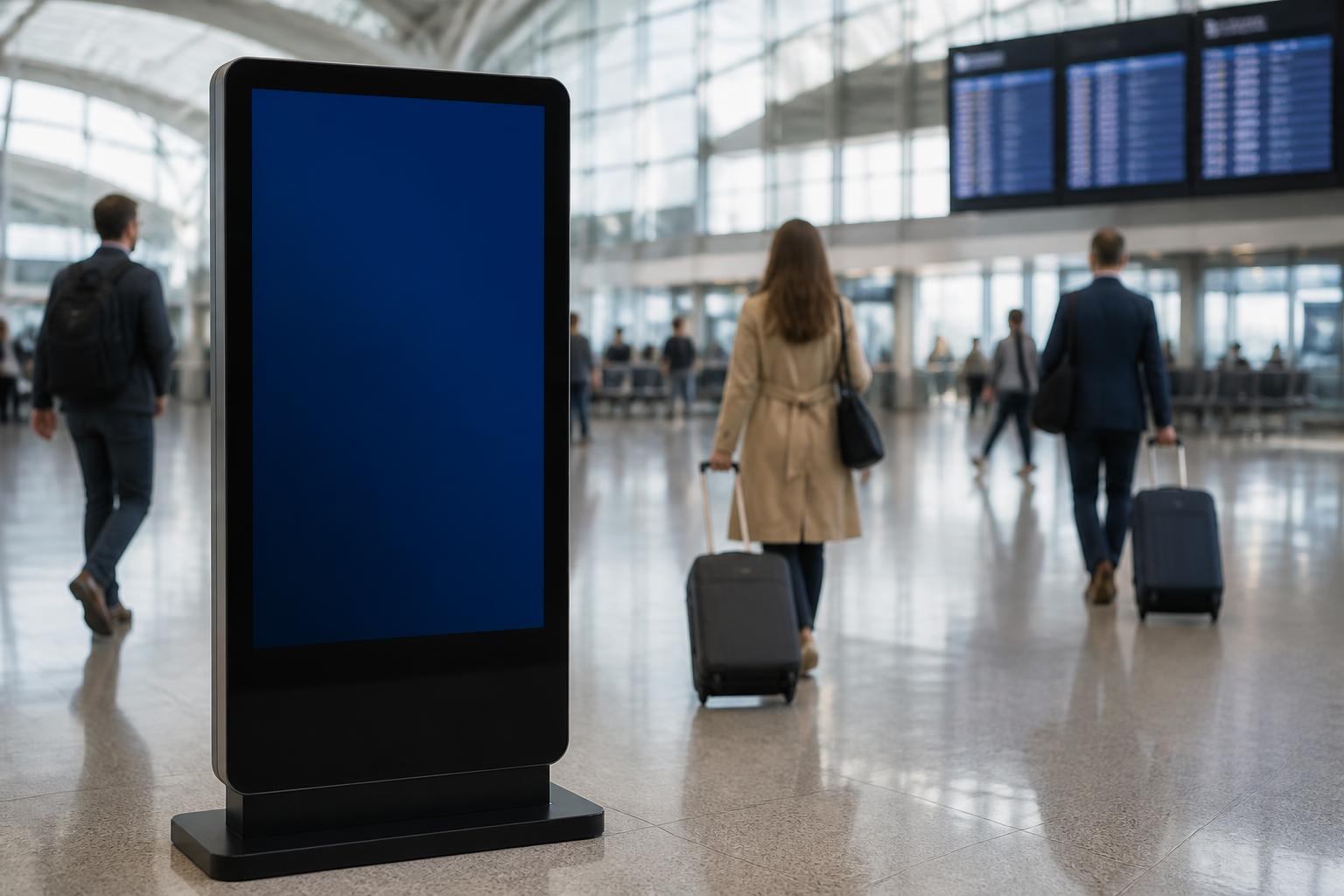
Help points placed across terminals give passengers information and, where required, a live interaction with the authorized assistance team.
Where it is placed
- Terminal entrances
- Check-in concourse
- Transfer areas
- Arrivals and baggage halls
- Parking and ground transport
- Public forecourt
Possible visitor needs
- Terminal navigation
- Gate / area guidance
- Check-in-zone guidance
- Baggage-service direction
- Lost-and-found direction
- Special assistance
- Accessibility assistance
- Transfer-passenger guidance
- Airport services
- Parking / ground transportation
- Medical-service direction
- Visitor information
Passenger assistance
How can we help?
- Find My Area
- Passenger Services
- Special Assistance
- Speak to Airport Helpdesk
Buttons, wording and language are configured per deployment.
Multiple airport help points connect to one authorized assistance team.
- Location A helpdesk
- Location B helpdesk
- Location C helpdesk
- Location D helpdesk
Authorized
Central support team
Representatives handle requests raised from any connected help point.
Stations & metro
Railway and metro passenger assistance
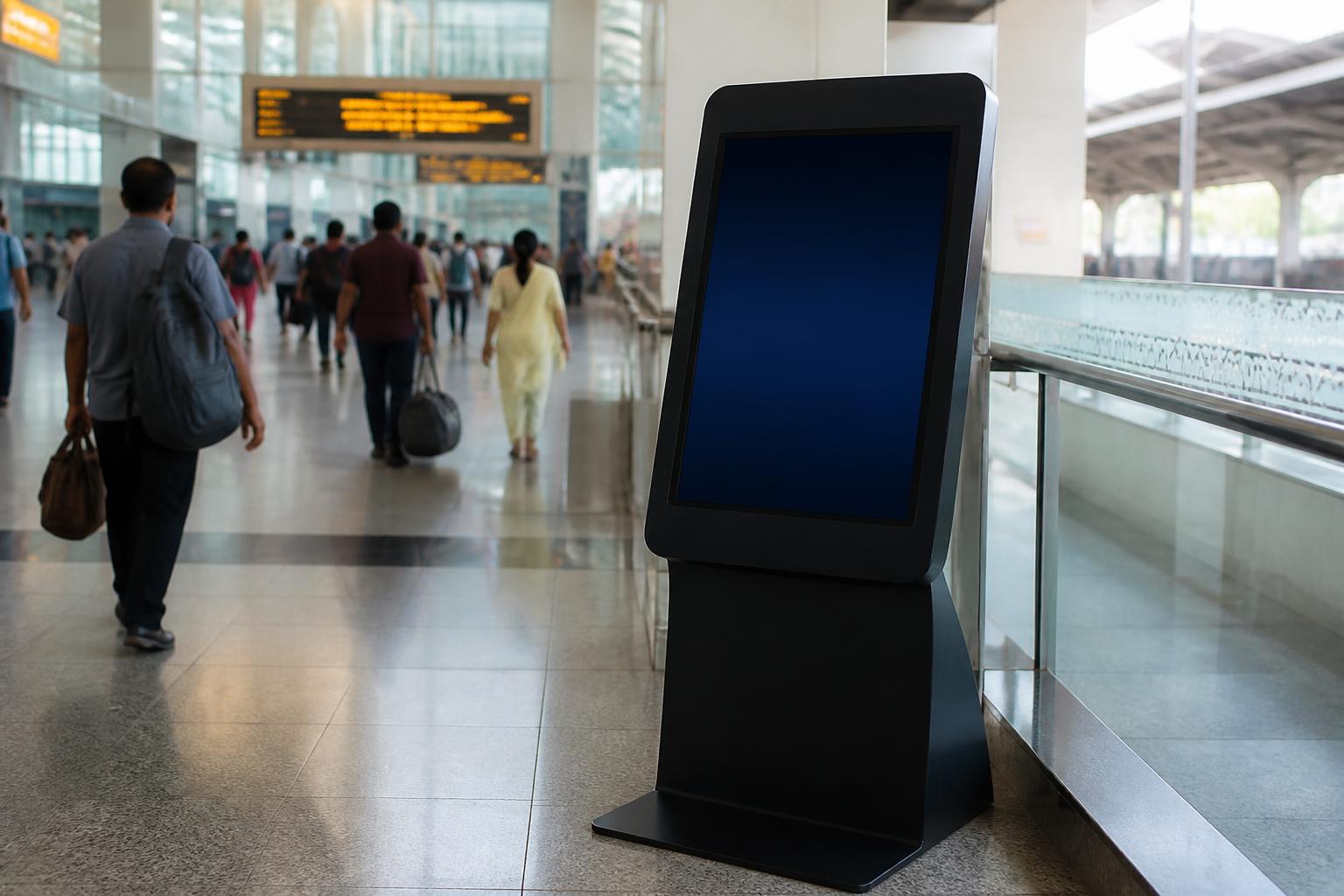
Extend access to passenger assistance beyond the traditional information counter, at the points where passengers actually stop and look for help.
Where it is placed
- Major stations
- Metro interchange stations
- Regional stations
- Tourist stations
Possible visitor needs
- Platform / area guidance
- Station navigation
- Coach / location guidance
- Station facilities
- Waiting-room information
- Retiring-room information
- Accessible facilities
- Lost-and-found guidance
- Tourist information
- Passenger-service guidance
- Connecting transport
- Medical / emergency direction
Stations & metro
How can we help?
- Station Information
- Facilities
- Passenger Assistance
- Speak to Helpdesk
Buttons, wording and language are configured per deployment.
Central & university libraries
Library information and research assistance
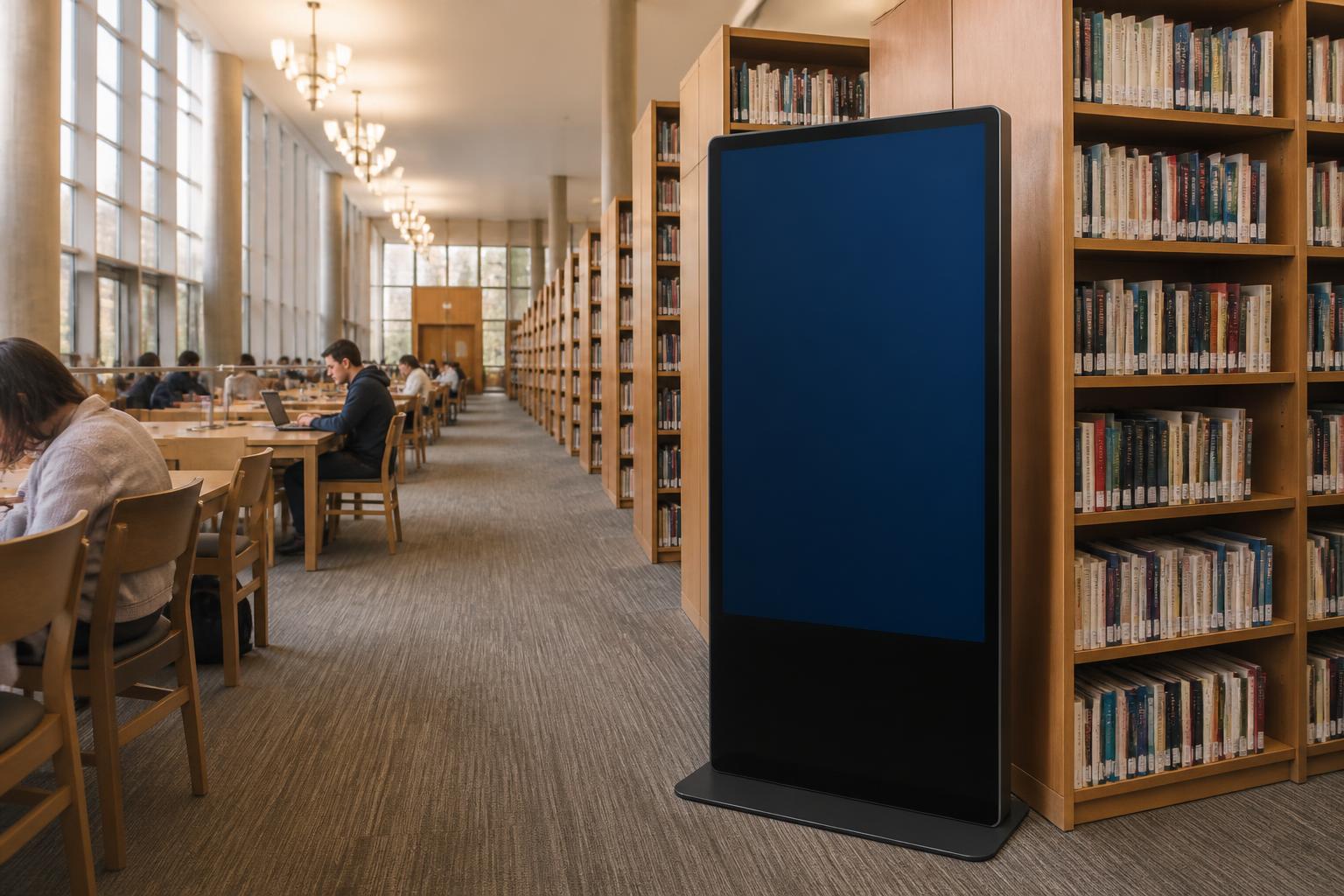
A single service point that moves a reader from searching, to finding, to speaking with library staff when the search is not enough.
Where it is placed
- Central libraries
- University and college libraries
- Reading rooms and reference sections
- Archives and special collections
Possible visitor needs
- Finding collections
- Locating reading rooms
- Membership procedures
- Archive / special collection guidance
- Digital database assistance
- Visitor orientation
- Research assistance
- Accessibility support
From search to a librarian
- Search / self-service
- Need more help?
- Connect to library staff
Catalogue, membership and digital-resource functions depend on the systems your library authorizes for integration. We do not claim integration with a specific library-management system unless it is verified for your project.
Central & university libraries
How can we help?
- Search Catalogue
- Find a Section
- Membership
- Digital Resources
- Ask a Librarian
Buttons, wording and language are configured per deployment.
Remote expert desk
Connect people at distributed locations with specialists based at a central or regional office
Configured per organization rather than delivered as a fixed workflow — the roles, routing and available hours follow your own structure and authorization.

Bring specialist assistance closer to distributed locations
A visitor at a district or field location can be connected to a specialist based at a regional or head office, instead of travelling or waiting for a visit. Roles, routing and available hours follow your own structure and authorization.
Concept — shown as an illustrative deployment, not an existing Government implementation.
- District office
- Field / block centre
- Public service centre
- Remote campus
Regional / head office expert
One specialist team reachable from many locations, so expertise does not have to travel.
Agriculture expert
Government technical officer
University admissions officer
Library research specialist
PSU HR / IT specialist
Tourism officer
Accessibility assistance officer
Institutional helpdesk representative
Multi-location architecture
Distributed help points, one authorized support team
Remote assistance can help organizations make specialized support accessible across distributed locations.
- Location A helpdesk
- Location B helpdesk
- Location C helpdesk
- Location D helpdesk
Authorized
Central support team
Representatives handle requests raised from any connected help point.
Next step
Where do your visitors need help?
Tell us the location, service process and type of assistance required. We can help design an appropriate digital, self-service and remote-assistance workflow.