
Industry
Digital notice boards & signage for PSUs & Public Sector
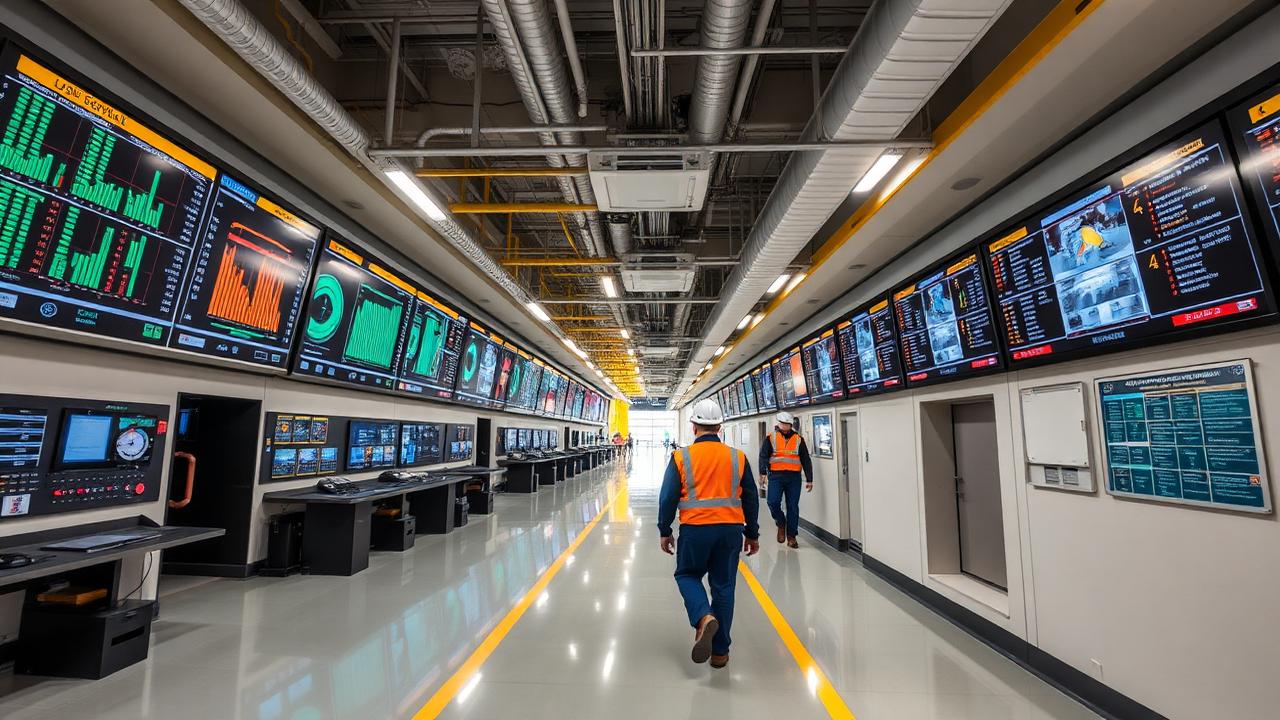
PSU communication spans plants, offices and townships. iDisplay brings safety, operational and organizational information onto controlled displays across those locations.
Procurement flexibility
Not locked to one display brand
Projects often have different technical, procurement and budget requirements. iDisplay allows the overall solution to be designed around the required display specification rather than forcing every deployment onto a single hardware family.
- Approved technical specification
- Tender requirement
- GeM availability
- Screen size
- Brightness
- Indoor / outdoor requirement
- Operating-hours requirement
- Touch requirement
- Connectivity
- Warranty and support requirement
- Project budget
- Availability
What it looks like on site
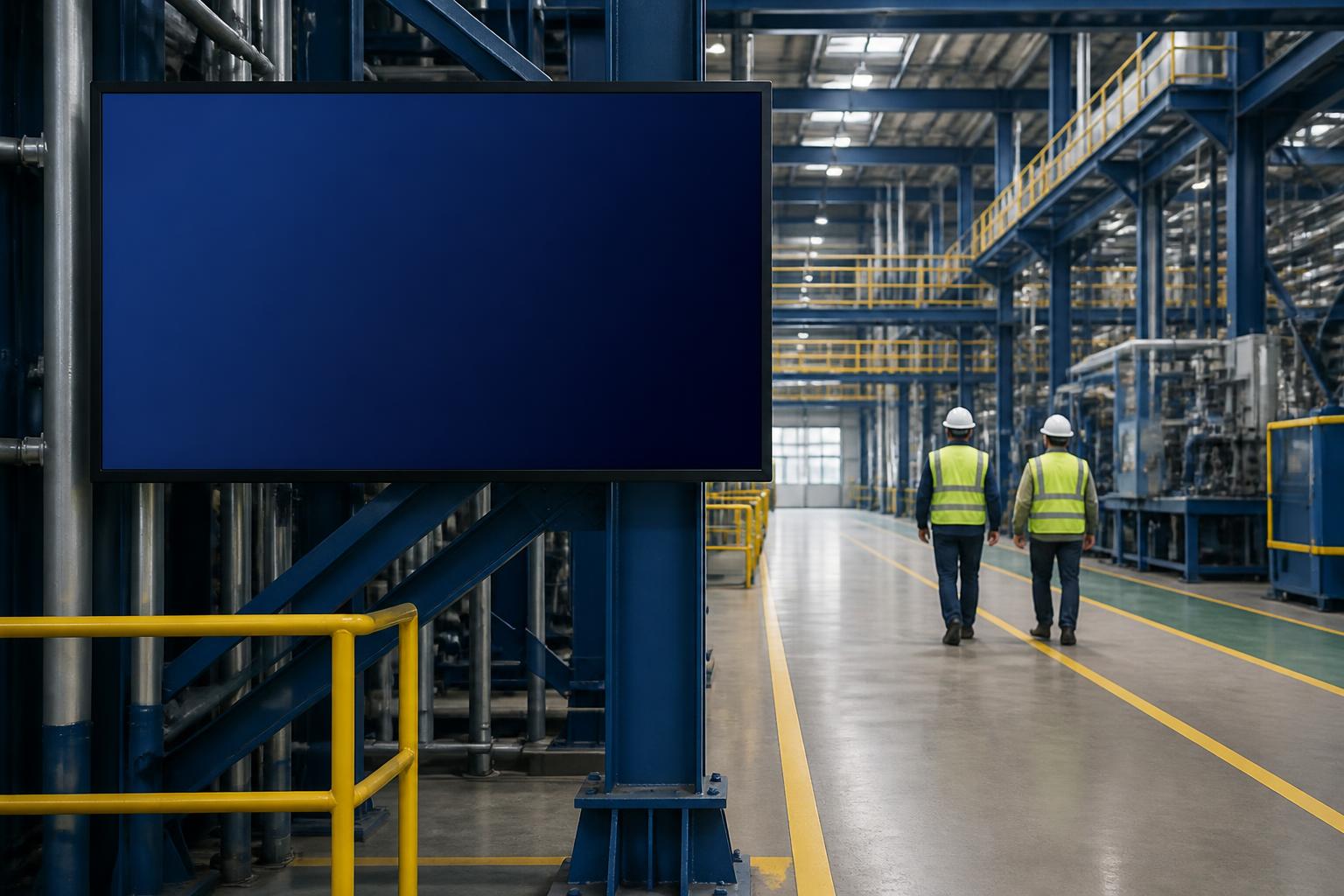
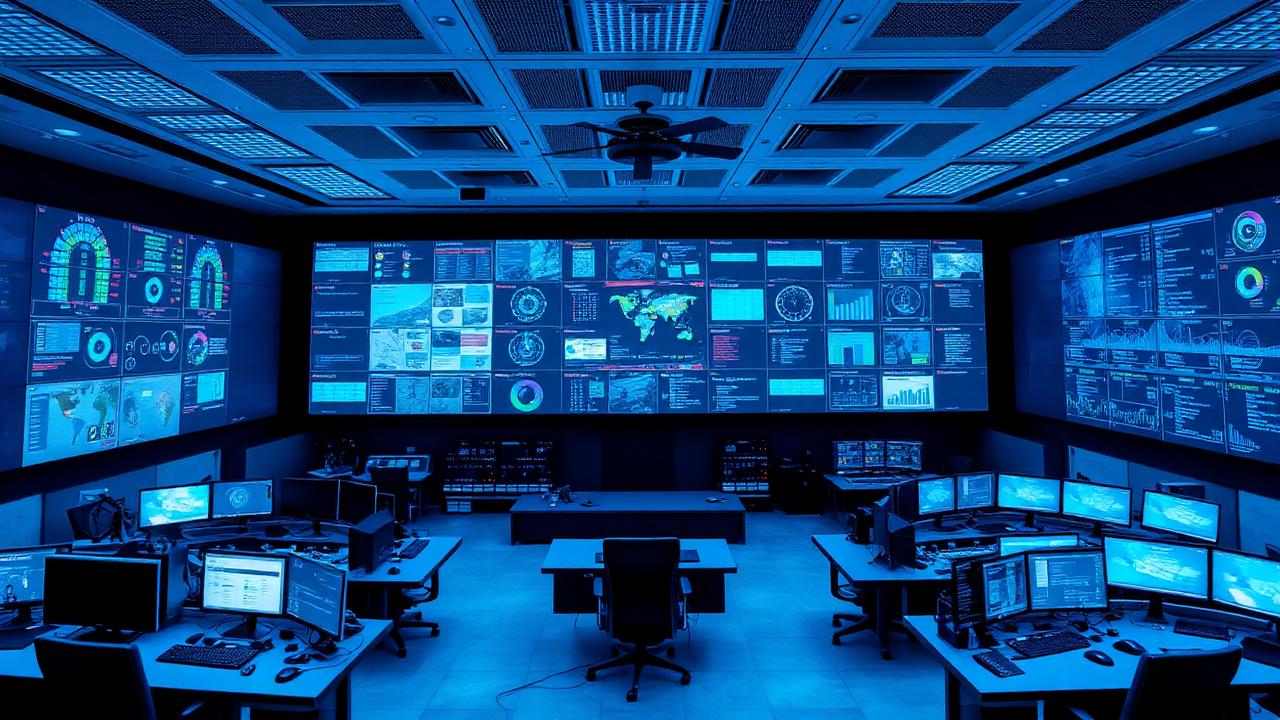
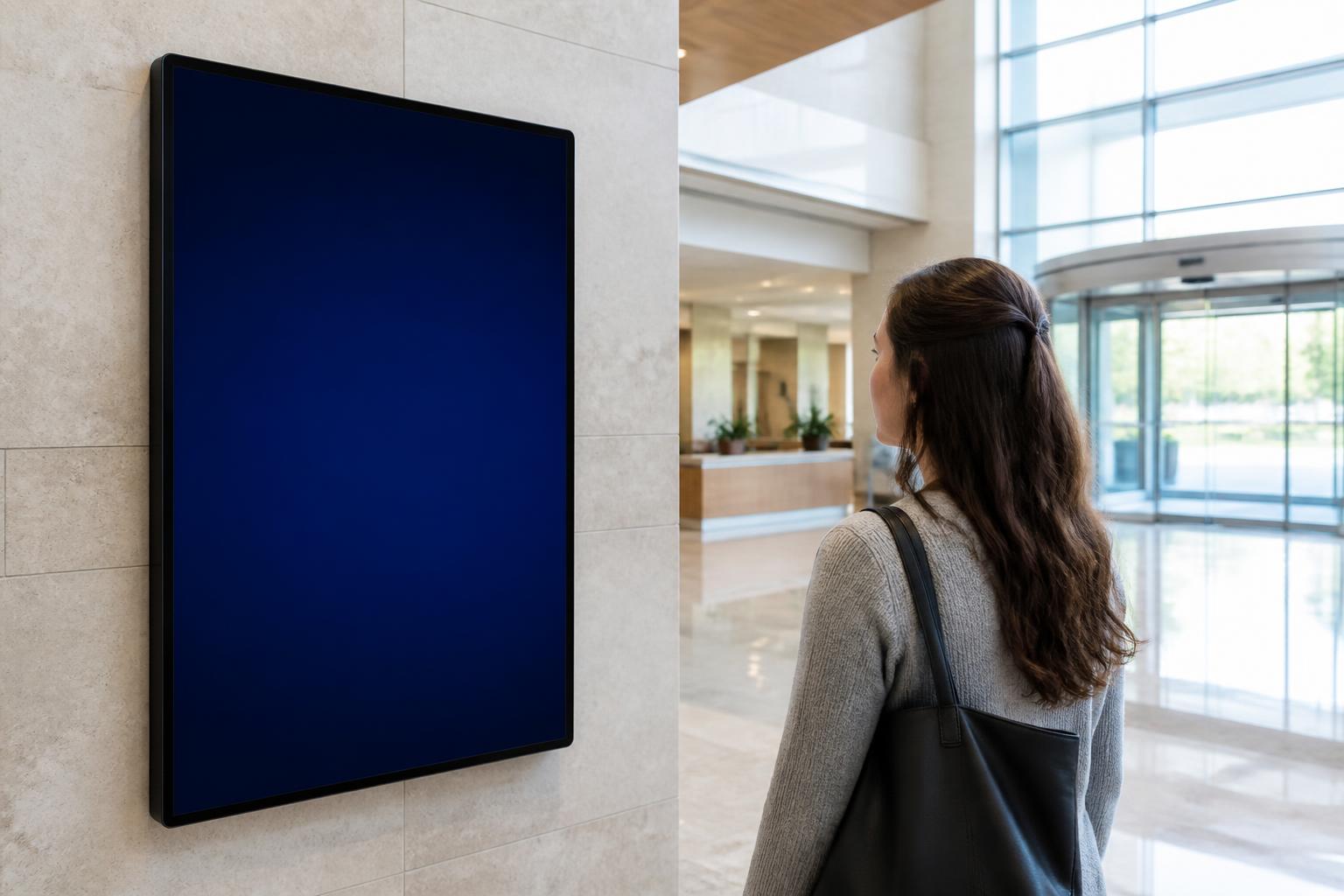
Typical display placements in psus & public sector
Concept visualizations of where centrally managed displays and interactive help points are typically positioned. Screen layouts are configured per organization.

PSUs & Public Sector
Live
Notices
Approved notices and circulars
Schedule
Daily schedule and timings
Live data
Live values from connected sources
Information
Visitor and process information
On-screen
One console, every authorized screen
Content is prepared, approved and published centrally, then scheduled to individual screens, groups or entire locations.
How it works
Prepare
Notices, schedules and media created from templates.
Approve
Role-based approval before anything reaches a screen.
Publish
Target one screen, a group or all locations.
Monitor
Screen status and playback visibility from one place.
Central iDisplay CMS
Content, users, schedules, approvals and screen status in one console.
Government Office
Lobby notice board
University
Corridor displays
PSU Plant
Shop-floor screen
Research Institute
Department display
Public Service Centre
Counter & token display
Remote Branch
Reception standee
Use cases
What organizations display
- Production and operational information
- Safety dashboards and accident statistics
- Environmental and pollution information
- Plant and facility communication
- Employee updates and internal notices
- Multi-location screen management
Relevant solutions
Software typically deployed here
Live Data Display
Implemented as a customized integration for each project, based on the data sources your organization approves.
Explore Live Data DisplayMulti-Location Screen Management
Central policy, local relevance: common organizational content plus location-specific information.
Explore Multi-Location Screen ManagementCustom Software & API Integration
We do not force your organization to adapt to generic signage software. The system is customized around your workflow, information and infrastructure.
Explore Custom Software & API IntegrationOn-Premise Digital Signage
Chosen by organizations whose IT policy requires internal hosting or restricted external connectivity.
Explore On-Premise Digital Signage