
Hardware options
Outdoor High-Brightness Displays
High-brightness LCD displays in protective enclosures for semi-outdoor and outdoor information points.
Entrances, gates, sheltered outdoor areas and window installations.
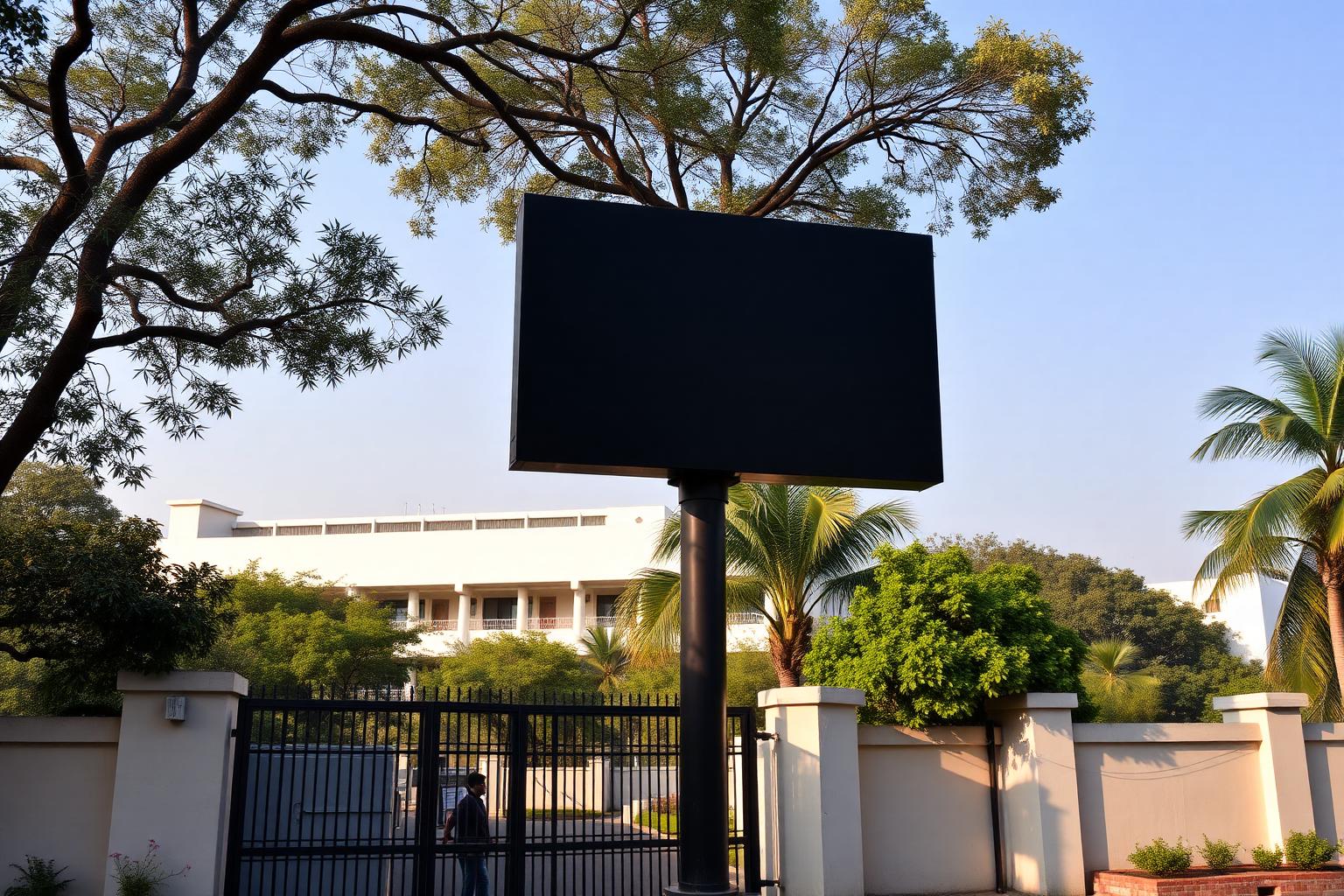
Where it is used
Typical applications
- Public information points
- Gate and entrance information
- Window-facing displays
- Semi-outdoor notices
Configuration
Possible configurations
- Protective and temperature-managed enclosures
- Brightness selected for ambient conditions
- Portrait or landscape orientation
Outdoor + iDisplay
How the platform drives this display type
Content, scheduling and users stay in the iDisplay platform; the display is the endpoint of the architecture.
Possible capabilities
- Sunlight-readable output
- Environmental protection rating as specified
- Central content management
Available configurations depend on project requirements and the selected hardware model. Model-level specifications are confirmed with the technical proposal.
Procurement
Have a BOQ or tender specification?
Share your required screen size, brightness, operating environment, technical specification and quantity. Our team can propose a compatible iDisplay software and display-hardware configuration.
Other hardware options
Digital notice boards and institutional information screens.
Classrooms, meeting rooms, training centres and collaborative environments.
Citizen information, wayfinding and interactive services.
Reception, notices and portable information points.